Course Content
Module 1: Hosting Basics and Categories: The Foundation of Your Website
To introduce core web hosting categories, explain how hosting infrastructure fundamentally supports websites, and clarify essential terminology.
0/4
Module 2: CMS-Specific Hosting Needs: Matching Infrastructure to Platform
To analyze precisely how different Content Management Systems (CMS) interact with and are impacted by various hosting environments, emphasizing platform-specific demands.
0/4
Module 3: Choosing What’s Right for You: The Decision Framework
To empower learners with a structured framework for evaluating and confidently selecting the most suitable hosting option for their CMS, business size, and growth trajectory.
0/4
Web Hosting Essentials: How to Pick the Best Fit for Your Site

CMS Infrastructure Guide: From Blogs to Enterprise E-commerce

Compare the lightweight flexibility of WordPress and Joomla against the heavy resource demands of Magento to ensure your server matches your software.
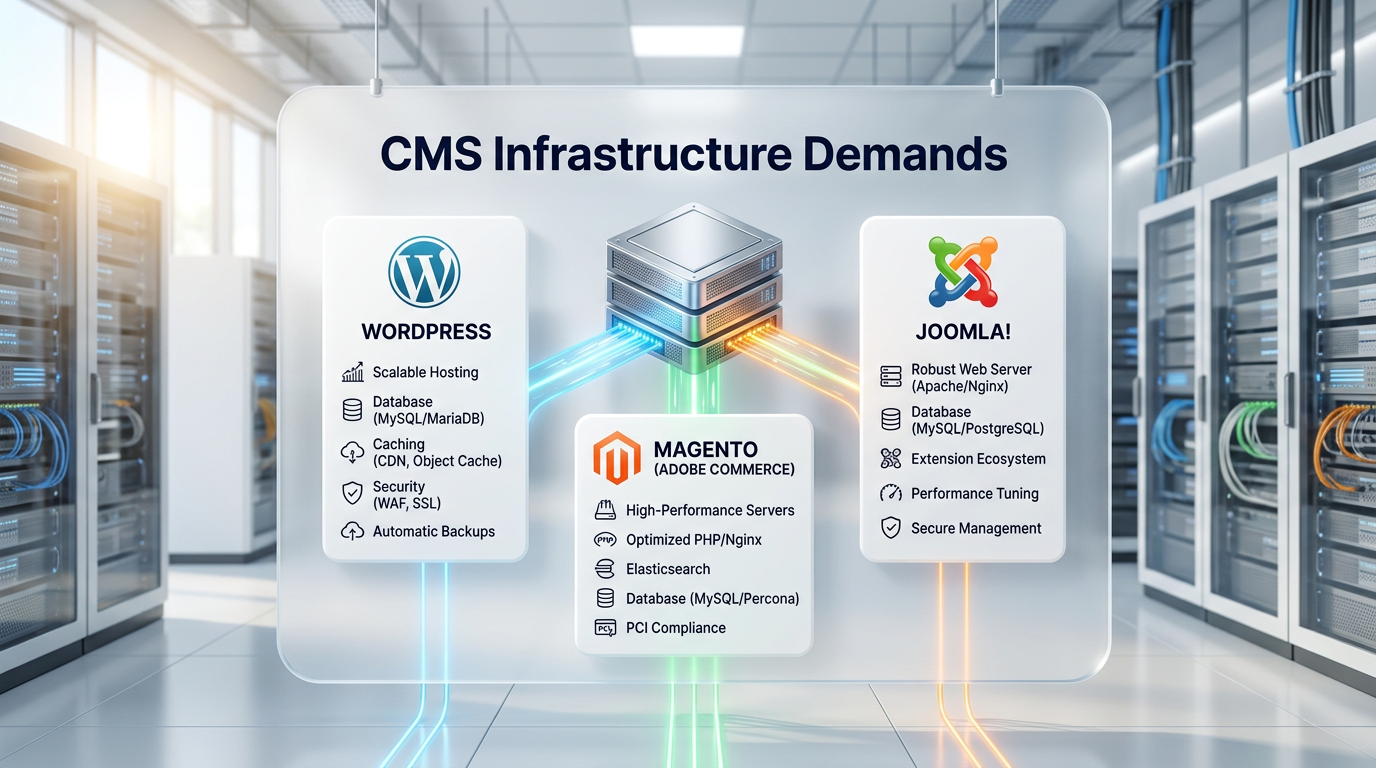
A bright white presentation board in a data center showing a central server connecting to three distinct UI cards representing WordPress, Magento, and Joomla content management systems.
Matching your hosting architecture to your specific Content Management System ensures better performance, fewer technical issues, and stronger security.

Overview

Not all CMS platforms are created equal—and neither are their hosting requirements. This lesson compares the infrastructure demands of WordPress, Magento (Adobe Commerce), and Joomla, helping learners choose hosting that supports performance, stability, and security for each platform.


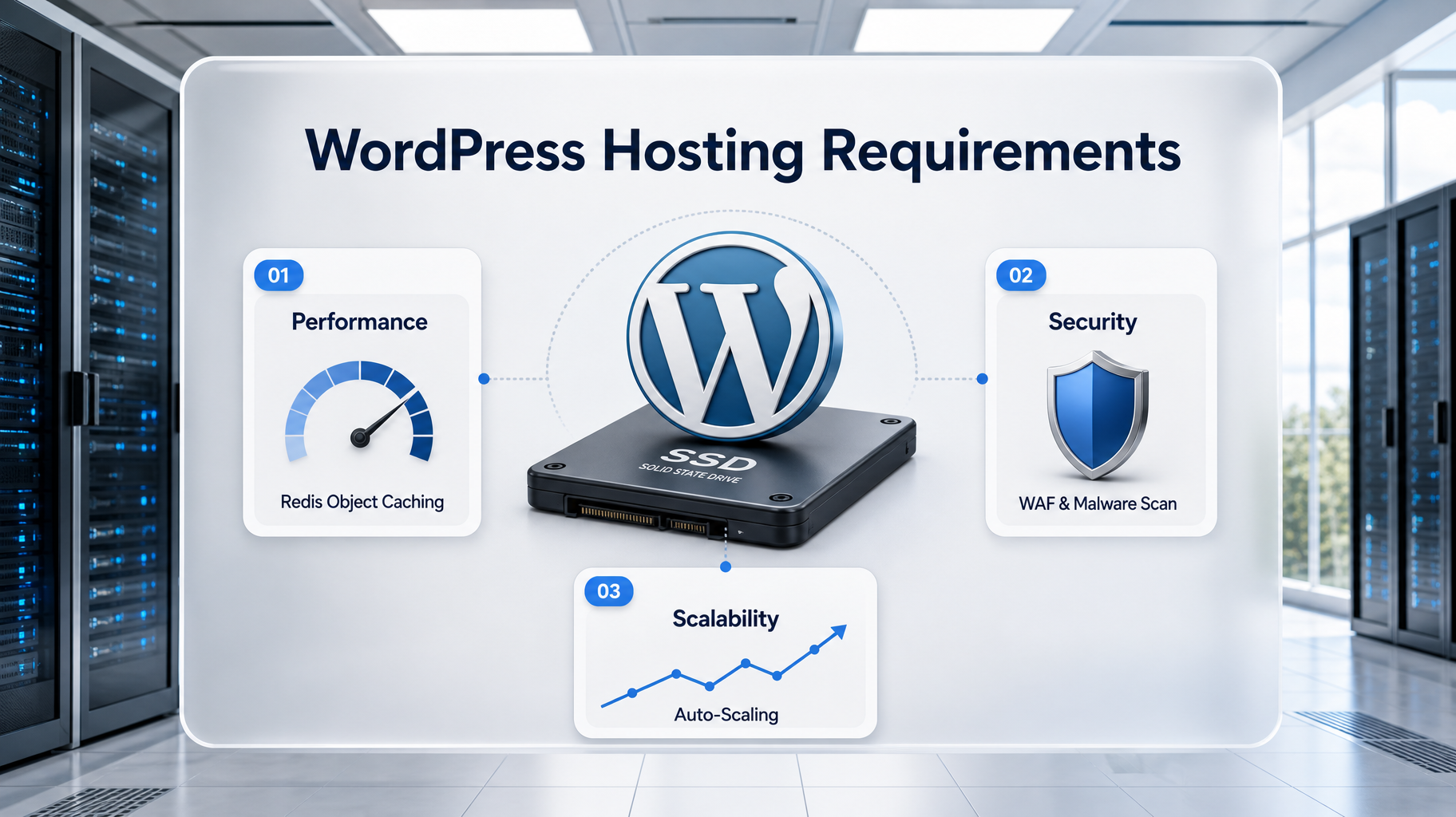
A clean white dashboard highlighting WordPress hosting requirements, featuring a 3D WordPress logo on an SSD drive, surrounded by UI cards for Redis Caching, WAF Security, and Auto-Scaling.
WordPress requires robust object caching and strict security perimeters to protect against brute-force attacks and plugin vulnerabilities.

WordPress Hosting Requirements

Performance

  • Lightweight core, but plugins and media can strain resources
  • Benefits from SSD/NVMe storage, object caching (e.g., Redis), and CDN integration
  • PHP 8.2+ and HTTP/2 support recommended for optimal speed

Security

  • Frequent target for brute force and injection attacks
  • Requires SSL, daily backups, and a Web Application Firewall (WAF)
  • Sucuri integration recommended for malware scanning and hardening

Scalability

  • Easily scales from shared to enterprise cloud environments
  • Managed WordPress hosting (e.g., Pagely, Kinsta) offers auto-scaling and staging environments

A bright white educational dashboard focusing on Magento hosting. It displays a heavy-duty 3D server rack and a shopping cart, alongside UI cards emphasizing high RAM/CPU, Varnish caching, and mandatory PCI compliance.
Magento is a resource-intensive platform that demands dedicated CPU, Varnish caching, and strict PCI-compliant security layers.

Magento Hosting Requirements

Performance

  • Resource-intensive: demands high CPU, RAM, and fast I/O
  • Requires optimized database servers and persistent caching layers (e.g., Varnish, Redis)
  • PHP 8.1+ and MySQL tuning critical for checkout and catalog performance

Security

  • PCI compliance is mandatory for eCommerce
  • Needs strict access controls, regular patching, and secure deployment pipelines
  • WAF protection for payment flows and admin panels is essential

Scalability

  • Built for growth: supports multi-store setups, global traffic, and large catalogs
  • Best hosted on VPS, dedicated, or cloud platforms with horizontal scaling capabilities

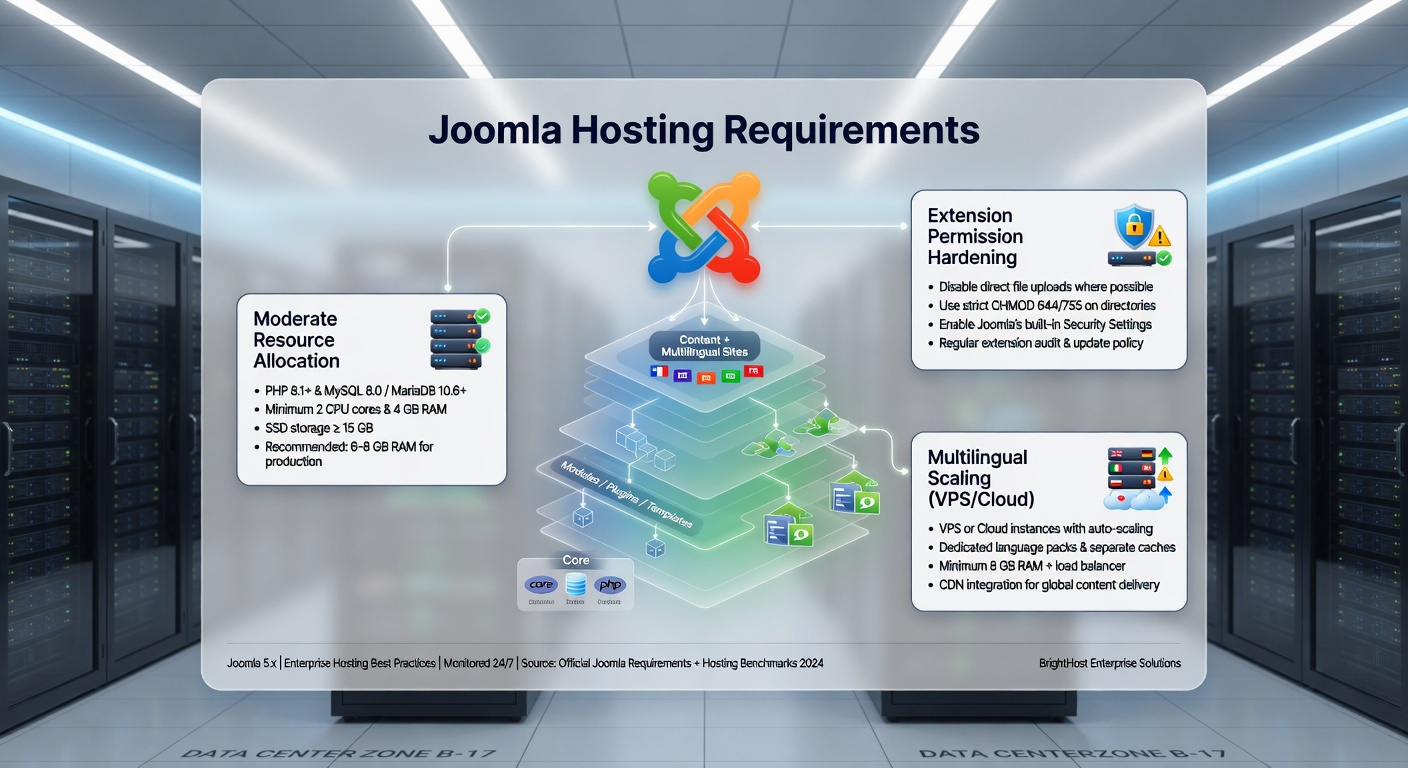
A clean white dashboard illustrating Joomla hosting needs, showing a 3D Joomla logo and a structured content tree, with UI cards detailing moderate resource use, extension security, and VPS scaling.
Joomla offers a middle-ground solution, providing structured, multilingual content management with moderate, scalable server resource demands.

Joomla Hosting Requirements

Performance

  • Moderate resource usage; runs well on shared or VPS hosting
  • SSD/NVMe storage, caching plugins, and CDN integration improve speed
  • PHP 8.1+ and MySQL 8+ recommended

Security

  • Needs SSL, backups, and firewall protection
  • Extension management and permission hardening are key
  • Regular updates and monitoring reduce risk from third-party components

Scalability

  • Ideal for multilingual and structured content sites
  • Scales effectively on cloud or VPS hosting with flexible resource allocation

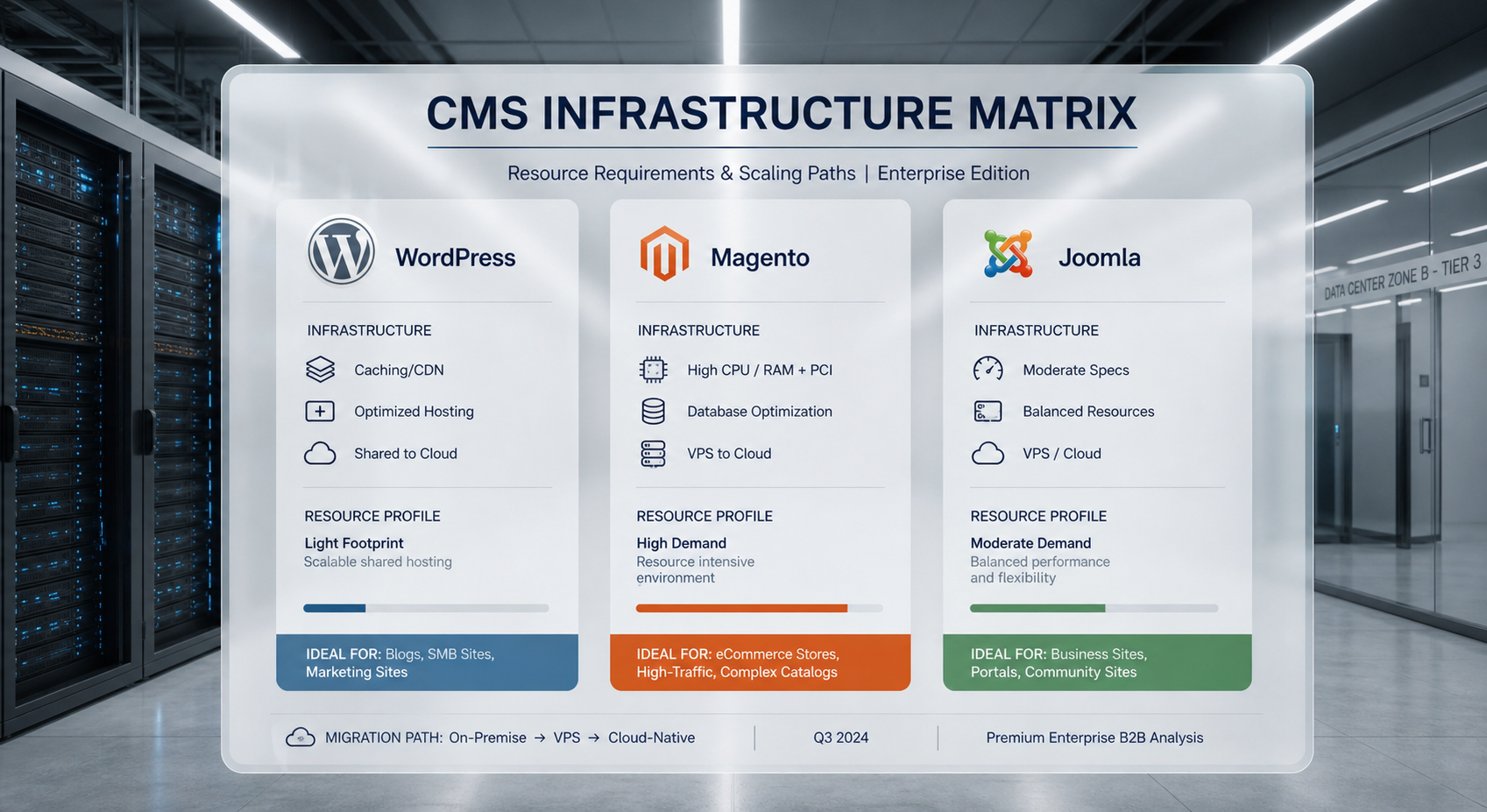
A bright 3D matrix on a white presentation board comparing WordPress, Magento, and Joomla. The columns break down the differing performance needs, security focuses, and scalability paths for each platform.
A side-by-side comparison of the infrastructure demands required to properly host WordPress, Magento, and Joomla.

Visual Summary

CMS Performance Needs Security Focus Scalability Path
WordPress SSD/NVMe, caching, CDN WAF, backups, plugin hygiene Shared → Managed → Cloud
Magento High CPU/RAM, DB tuning PCI, WAF, secure deployments VPS/Dedicated → Cloud
Joomla SSD, caching, CDN SSL, extension control Shared/VPS → Cloud

Key Takeaways

  • WordPress is flexible but benefits from managed environments and caching.
  • Magento demands high-performance hosting with strict security and compliance.
  • Joomla sits in the middle—scalable and secure with moderate resource needs.
  • Matching hosting to CMS ensures better performance, fewer issues, and stronger security.
Exercise Files
Lesson 2.1 Checklist.docx
Size: 6.88 KB