Course Content
Module 1: Hosting Basics and Categories: The Foundation of Your Website
To introduce core web hosting categories, explain how hosting infrastructure fundamentally supports websites, and clarify essential terminology.
0/4
Module 2: CMS-Specific Hosting Needs: Matching Infrastructure to Platform
To analyze precisely how different Content Management Systems (CMS) interact with and are impacted by various hosting environments, emphasizing platform-specific demands.
0/4
Module 3: Choosing What’s Right for You: The Decision Framework
To empower learners with a structured framework for evaluating and confidently selecting the most suitable hosting option for their CMS, business size, and growth trajectory.
0/4
Web Hosting Essentials: How to Pick the Best Fit for Your Site

Web Hosting Fundamentals: Selecting the Right Server Architecture

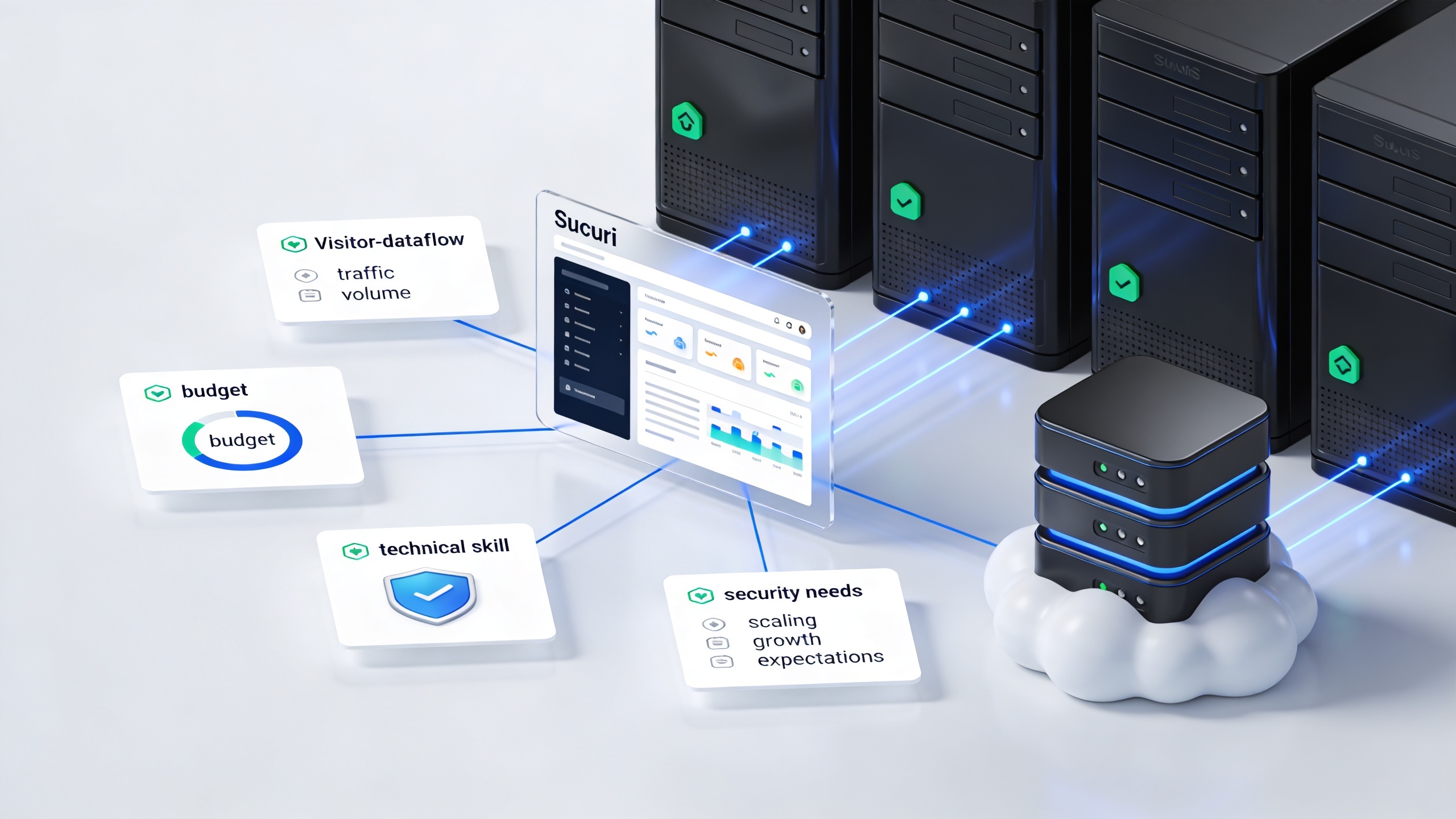
Match your website’s traffic, budget, and technical requirements to the perfect hosting setup.
 


Overview

Hosting is the infrastructure behind every website. It determines how fast your site loads, how secure it is, and how well it handles traffic. This lesson breaks down the five core hosting types—shared, VPS, dedicated, cloud, and managed—so learners can understand the trade-offs and choose the right foundation for their project.


A server rack cabinet surrounded by floating website mockups, where one heavy green video site chokes the data connection lines of its neighbors.
Shared hosting environments pack multiple separate sites onto one server, leaving your performance vulnerable to a single resource-heavy neighbor.

1. Shared Hosting

Description: Multiple websites share the same physical server and resources.

Pros:

  • Lowest cost
  • Beginner-friendly
  • One-click CMS installers (e.g., WordPress)

Cons:

  • Unpredictable performance due to resource sharing
  • Higher security risk from neighboring sites
  • Limited scalability

Best For: Personal blogs, student portfolios, early-stage projects with low traffic


A central server rack cabinet horizontally partitioned into four distinct color-coded virtual zones with shield icons, connected by matching data lines to five floating website browser windows in a bright, daylight-lit technical workspace.
A Virtual Private Server (VPS) uses hypervisor technology to partition a single physical machine into isolated containers with guaranteed resources and independent security boundaries.

2. VPS (Virtual Private Server) Hosting

Description: A physical server is partitioned into isolated virtual environments using hypervisor technology.

Pros:

  • Dedicated resources (CPU, RAM, storage)
  • Greater control over configurations
  • More stable than shared hosting

Cons:

  • Requires technical skill to manage
  • Costs more than shared hosting

Best For: Growing businesses, developers, or sites needing consistent performance


A single enterprise server rack enclosed in a glowing blue border, connected exclusively to one large corporate website mockup, with a 3D security shield standing nearby in a bright data center.
Dedicated hosting reserves an entire physical server for a single organization, guaranteeing maximum performance and elite-tier security control.

3. Dedicated Hosting

Description: A single physical server is reserved entirely for one customer.

Pros:

  • Maximum performance and control
  • Full customization of OS, software, and security
  • Ideal for compliance-heavy environments

Cons:

  • High cost
  • Requires advanced server management skills

Best For: Large eCommerce platforms, enterprise applications, mission-critical sites


A glowing digital cloud network icon connected by bright blue data lines to four physical server nodes below and five floating website mockups around it in a modern, sunlit data center.
Cloud hosting aggregates computing power from a distributed cluster of physical servers into a unified, redundant virtual network to ensure elastic scalability.

4. Cloud Hosting

Description: Websites run on a distributed network of virtual servers, often across multiple data centers.

Pros:

  • Highly scalable and redundant
  • Pay-as-you-go pricing
  • Automatic failover and load balancing

Cons:

  • Costs can spike during traffic surges
  • Complex to manage without orchestration tools

Best For: Startups, global content platforms, sites with unpredictable traffic


A central server rack cabinet in a bright data center surrounded by glowing blue operational icons for technical support, security, performance, and automated backups, connected to floating website mockups.
Managed hosting overlays your physical infrastructure with premium engineering support, automatically handling security patches, daily backups, and system optimizations.

5. Managed Hosting

Description: Hosting provider handles server maintenance, updates, backups, and security.

Pros:

  • Hands-off experience
  • Built-in performance and security optimizations
  • Ideal for non-technical teams

Cons:

  • Higher cost than unmanaged options
  • Less flexibility for custom configurations

Best For: Agencies, busy teams, or professionals who want reliability without server management

Visual Summary

Hosting Type Cost Control Scalability Best For
Shared Low Minimal Limited Personal sites, low traffic
VPS Medium Moderate Moderate SMBs, developers
Dedicated High Full Manual Enterprises, high-security sites
Cloud Flexible High Automatic Startups, global platforms
Managed Medium–High Low–Moderate Varies Agencies, non-technical teams
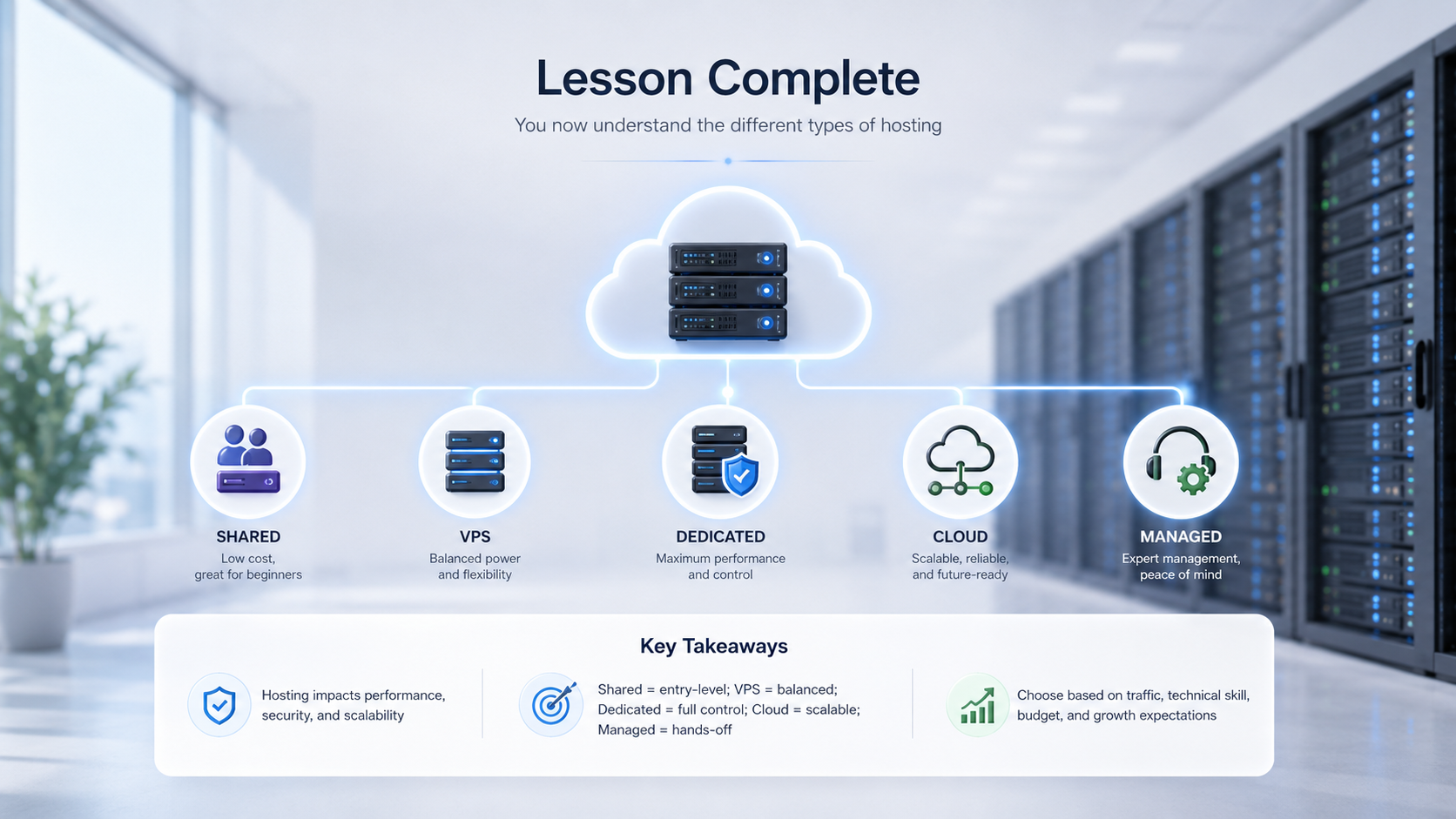
"Lesson Complete" dashboard graphic summarizing Shared, VPS, Dedicated, Cloud, and Managed hosting types with brief descriptions and a bottom panel of key takeaways regarding performance, budget, and scaling.
A high-level visual recap of the five core web hosting environments and the strategic criteria for selecting the right infrastructure.

Key Takeaways

  • Your server architecture is the single greatest factor governing your website’s baseline speed, security, and long-term scalability.
  • Shared Hosting: Perfect for entry-level setups with low traffic and strict budgets.
  • VPS & Dedicated: Provide isolated resources and exclusive control for growing or enterprise-level applications.
  • Cloud Hosting: Delivers elastic scaling and redundancy through distributed hardware nodes.
  • Managed Hosting: Eliminates day-to-day operational headaches by layering expert support and automated maintenance directly over your infrastructure.
Exercise Files
Lesson 1.1 Checklist.docx
Size: 6.97 KB