

The Speed Diagnosis Playbook
A practical approach to testing, identifying bottlenecks, and improving WordPress performance without guesswork.
Overview
Site speed is not just a user experience metric—it directly affects SEO, conversion rates, and security posture. This lesson teaches how to diagnose performance issues in WordPress using modern tools and apply targeted fixes that improve load times, responsiveness, and stability.
Why Performance Matters

A slow site frustrates users, increases bounce rates, and lowers trust. It also creates operational risk: performance bottlenecks can expose vulnerabilities, especially when outdated plugins or bloated queries delay server responses. Diagnosing and resolving speed issues is a core competency for any WordPress administrator.
Step 1: Measure Before You Fix
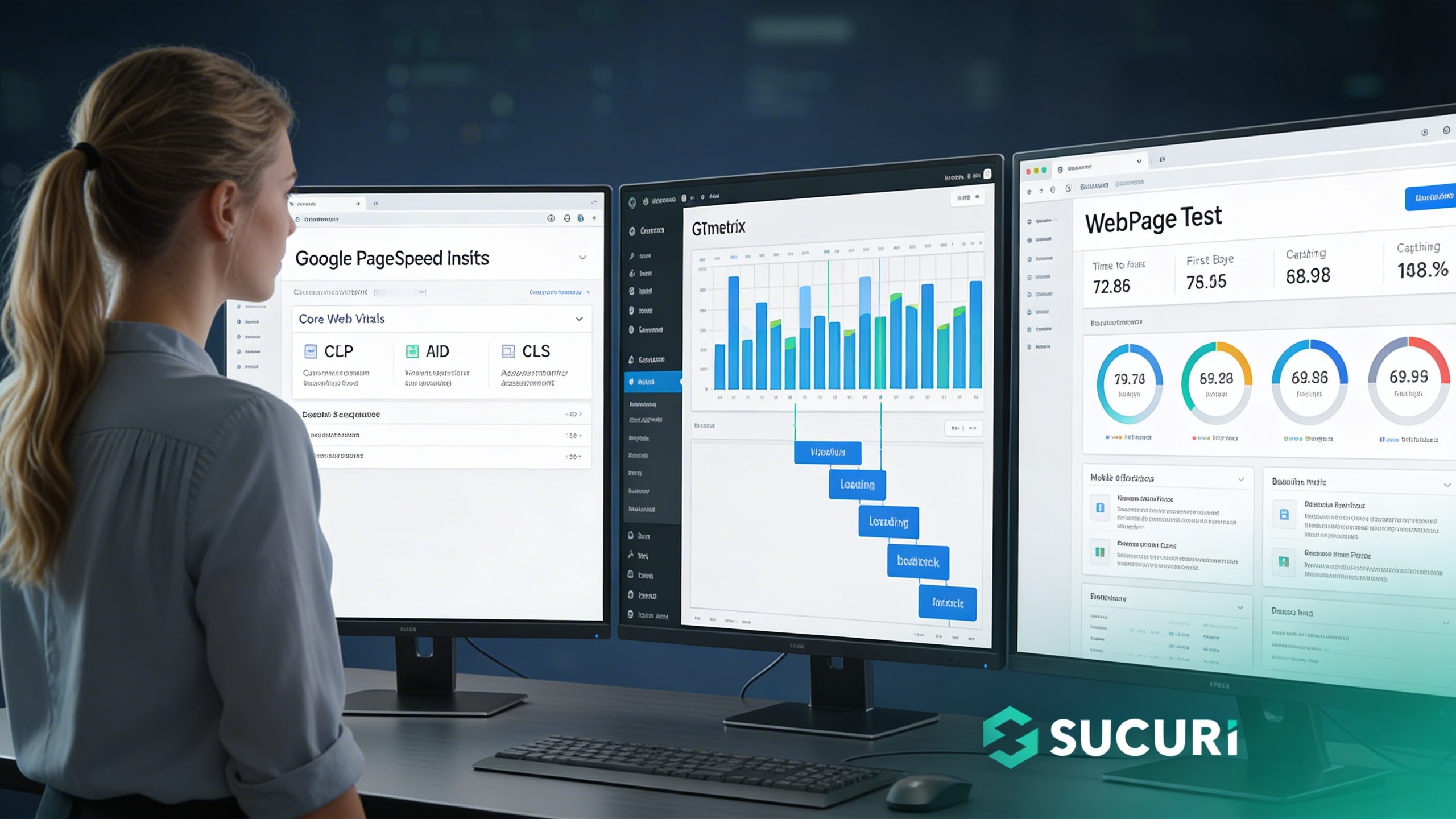
Use reliable tools to test performance across key metrics:
- ✓Google PageSpeed Insights: Tests Core Web Vitals (LCP, FID, CLS).
- ✓GTmetrix: Provides waterfall charts and sequence breakdowns.
- ✓WebPageTest: Advanced analysis of TTFB, caching, and CDN effectiveness.
Run tests multiple times to identify consistent bottlenecks. Focus on mobile results for real-world accuracy.
Step 2: Identify Common Bottlenecks

Step 3: Apply Targeted Fixes

Compress via ShortPixel/TinyPNG and transition to WebP. Enable server-level caching (OPcache/Redis) or plugins like WP Rocket.
Connect to a CDN (Sucuri/Cloudflare) and audit plugins. Replace heavy themes and test all updates in staging before deployment.
Step 4: Monitor for Sustained Performance

Sustained Performance Sequence
Key Takeaways
- →Start with measurement—never guess.
- →Fix bottlenecks in images, caching, database, and asset load.
- →CDN integration is essential for global performance.
- →Monitor continuously to maintain speed and stability.