Common WordPress Errors Explained and Resolved
Learn the cause patterns behind the most frequent failures and the safe steps to fix them quickly.
Overview
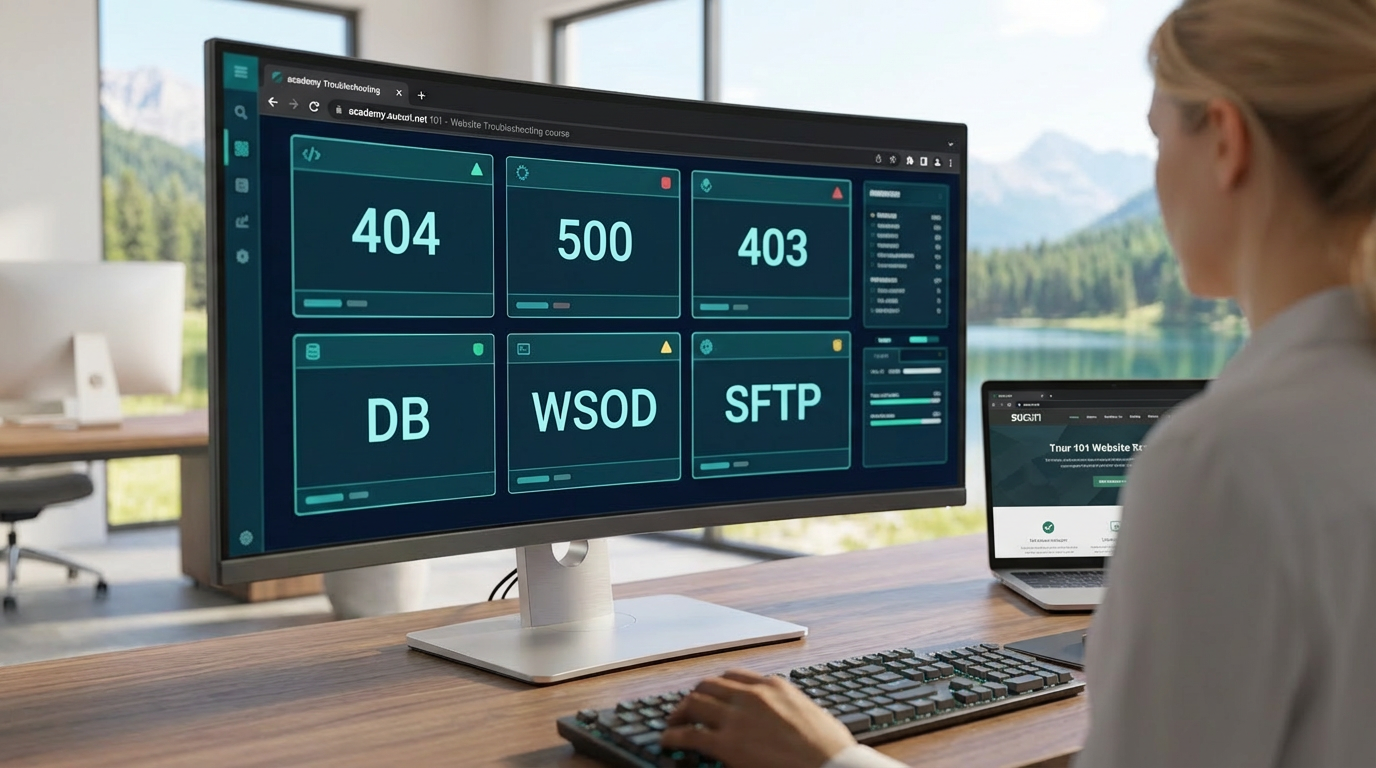
WordPress powers over 40% of the web. Even small misconfigurations or plugin conflicts can lead to downtime, broken pages, or locked admin access. This lesson walks through the most frequent WordPress errors—404, 500, 403, database failures, WSOD, and plugin/theme conflicts—and provides step-by-step recovery workflows using built-in tools and safe file/database edits.
Why These Errors Matter
Every minute of downtime affects SEO, user trust, and revenue. Most WordPress errors follow predictable patterns. With the right tools and a calm, methodical approach, you can resolve them quickly and prevent recurrence.
1. 404 Not Found
2. 500 Internal Server Error
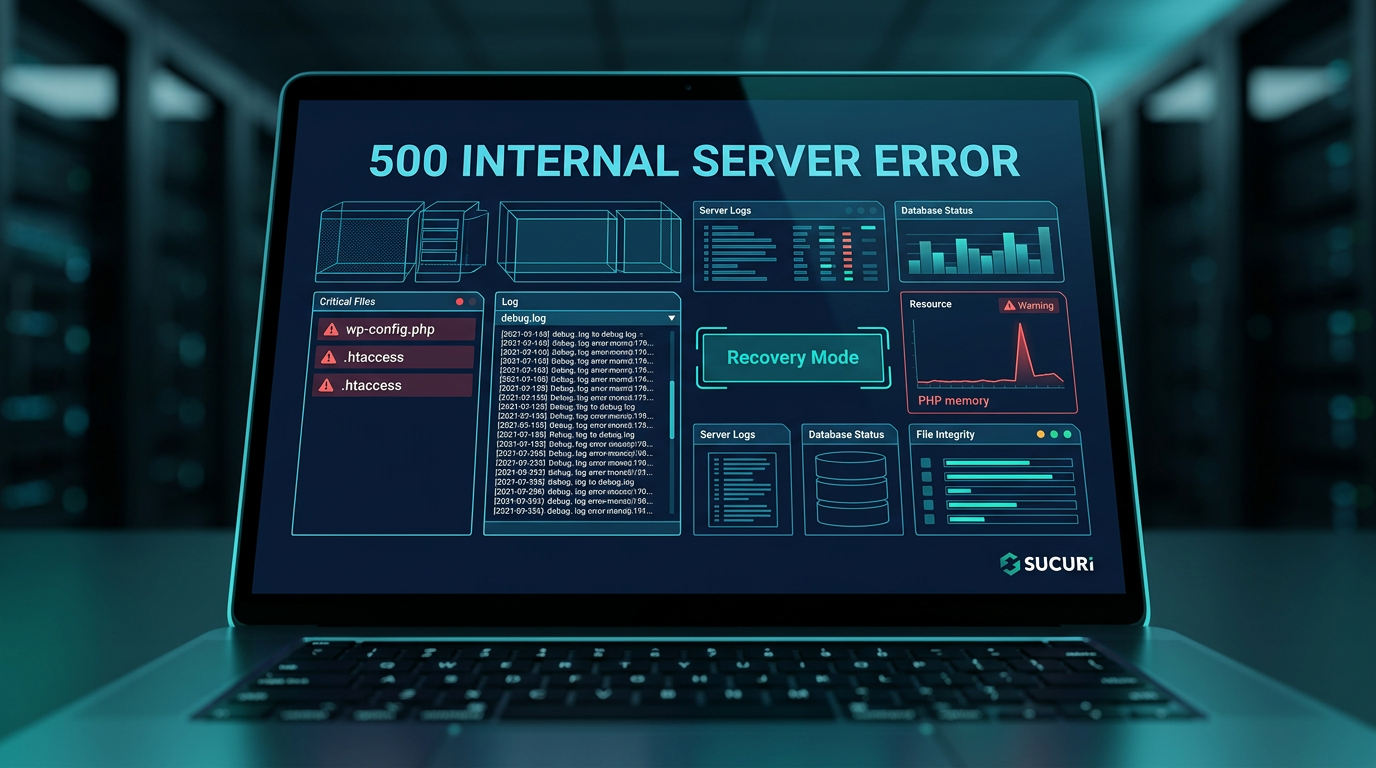
3. 403 Forbidden
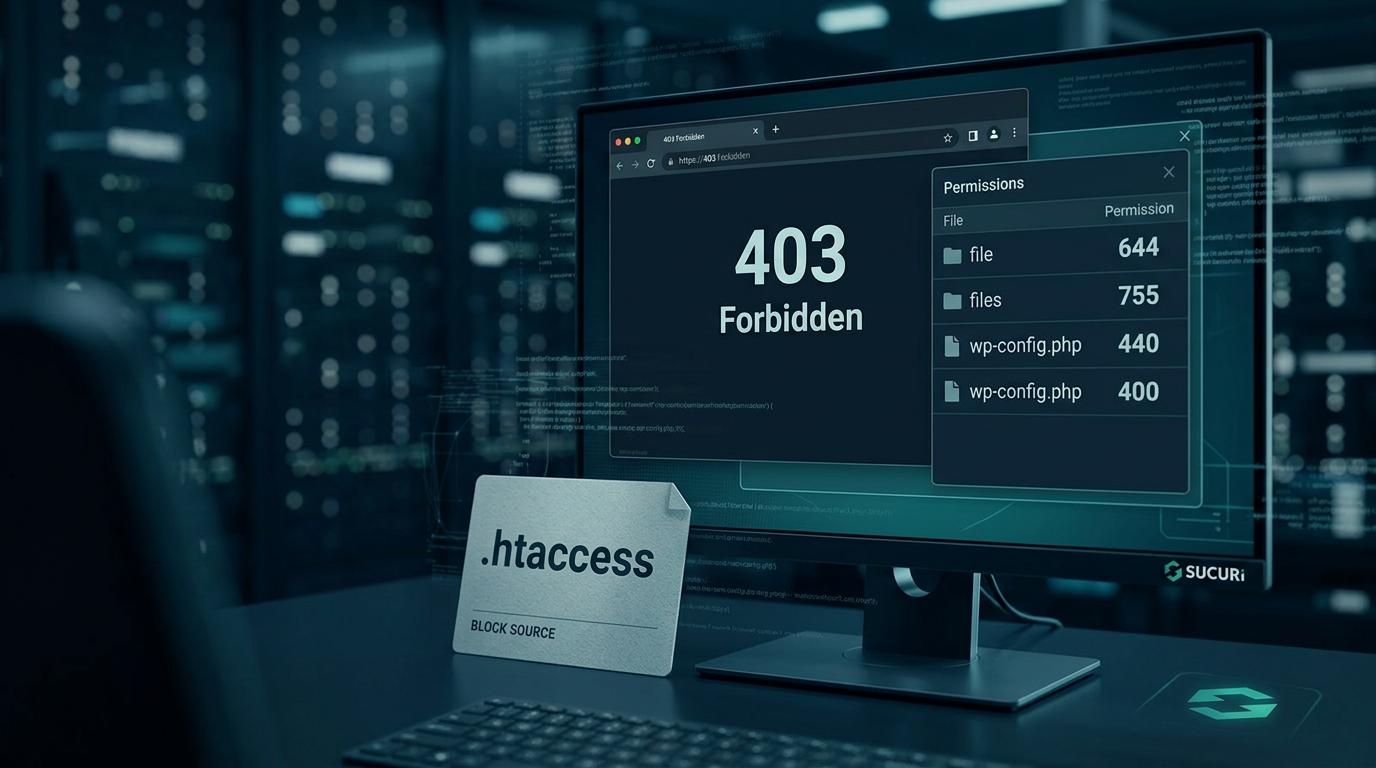
4. Database Connection Errors
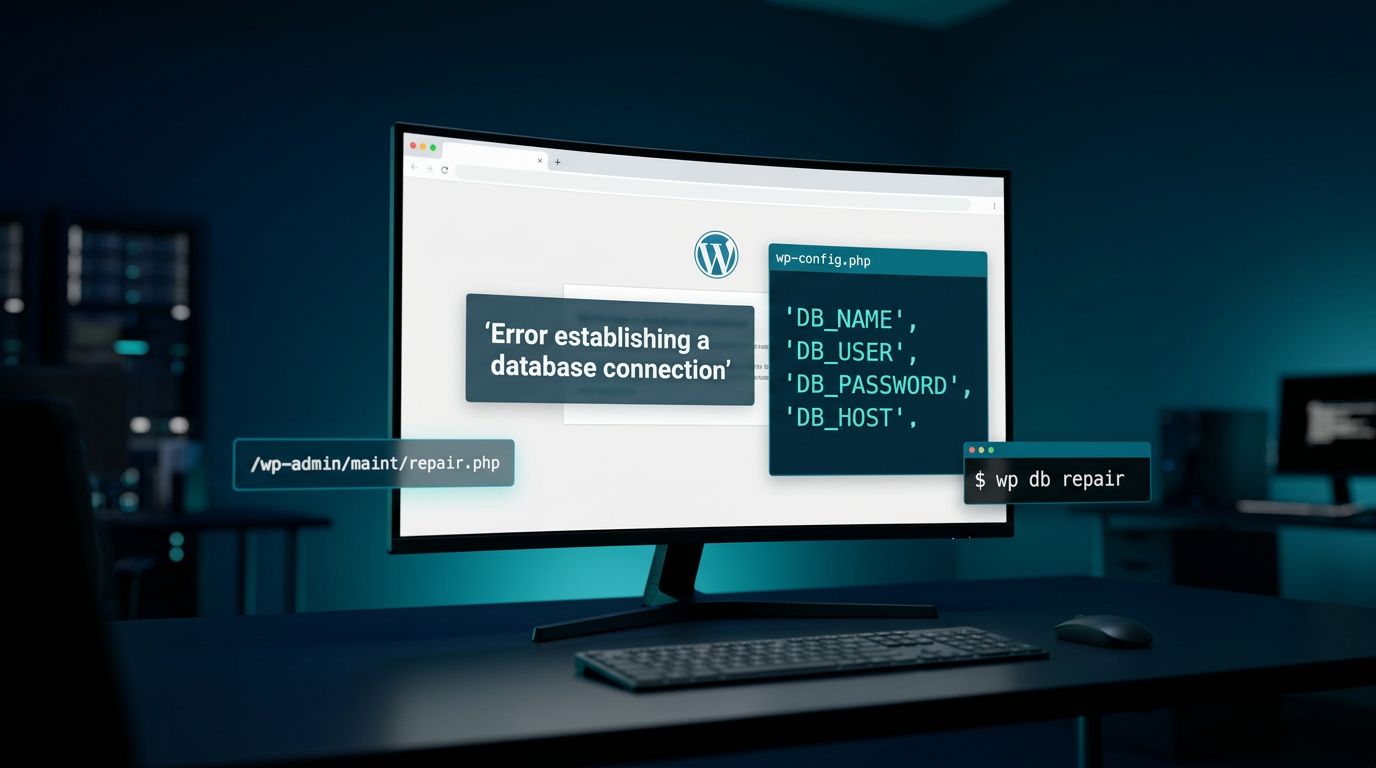
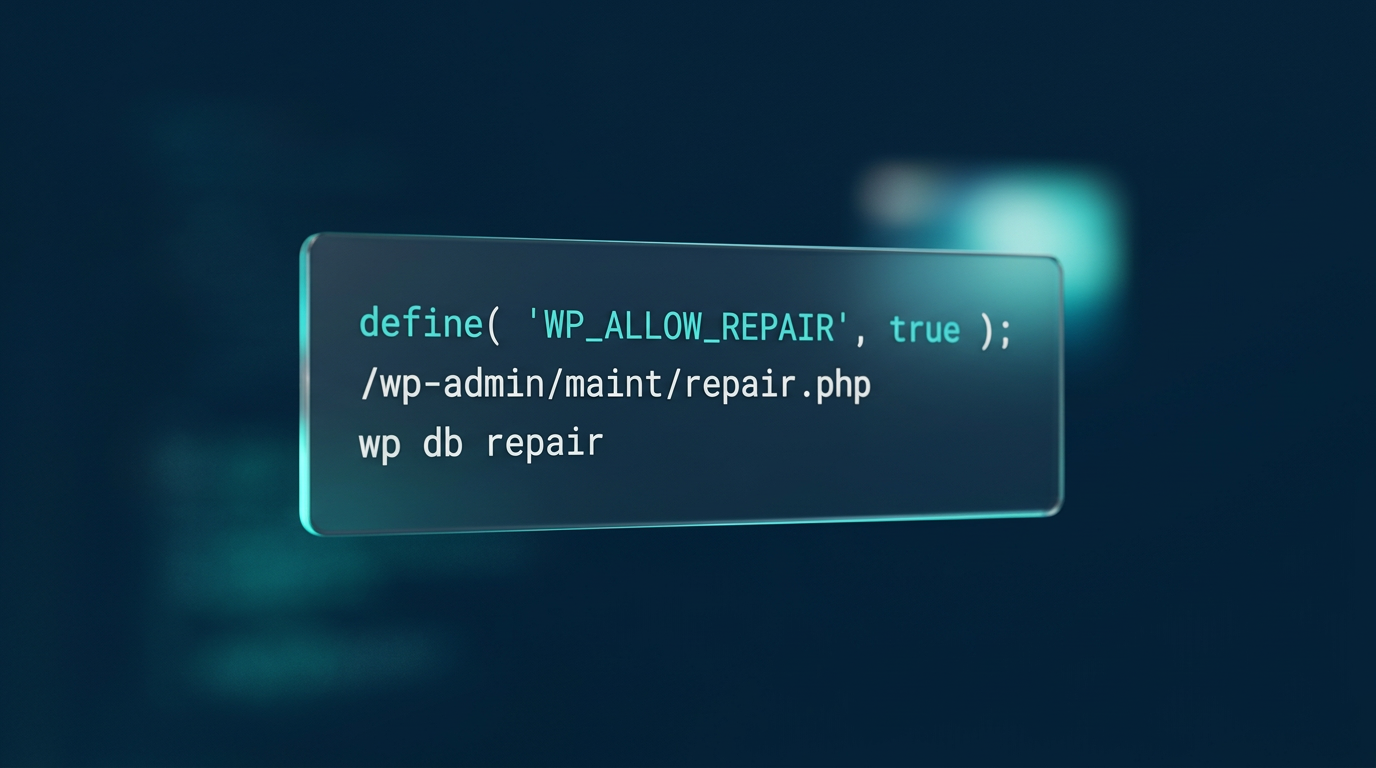
define( ‘WP_ALLOW_REPAIR’, true );
- Option 1 (No SSH): WP_ALLOW_REPAIR + /wp-admin/maint/repair.php
- Option 2 (With SSH/WP-CLI):
wp db repair - Run repair via /wp-admin/maint/repair.php then remove the constant immediately.
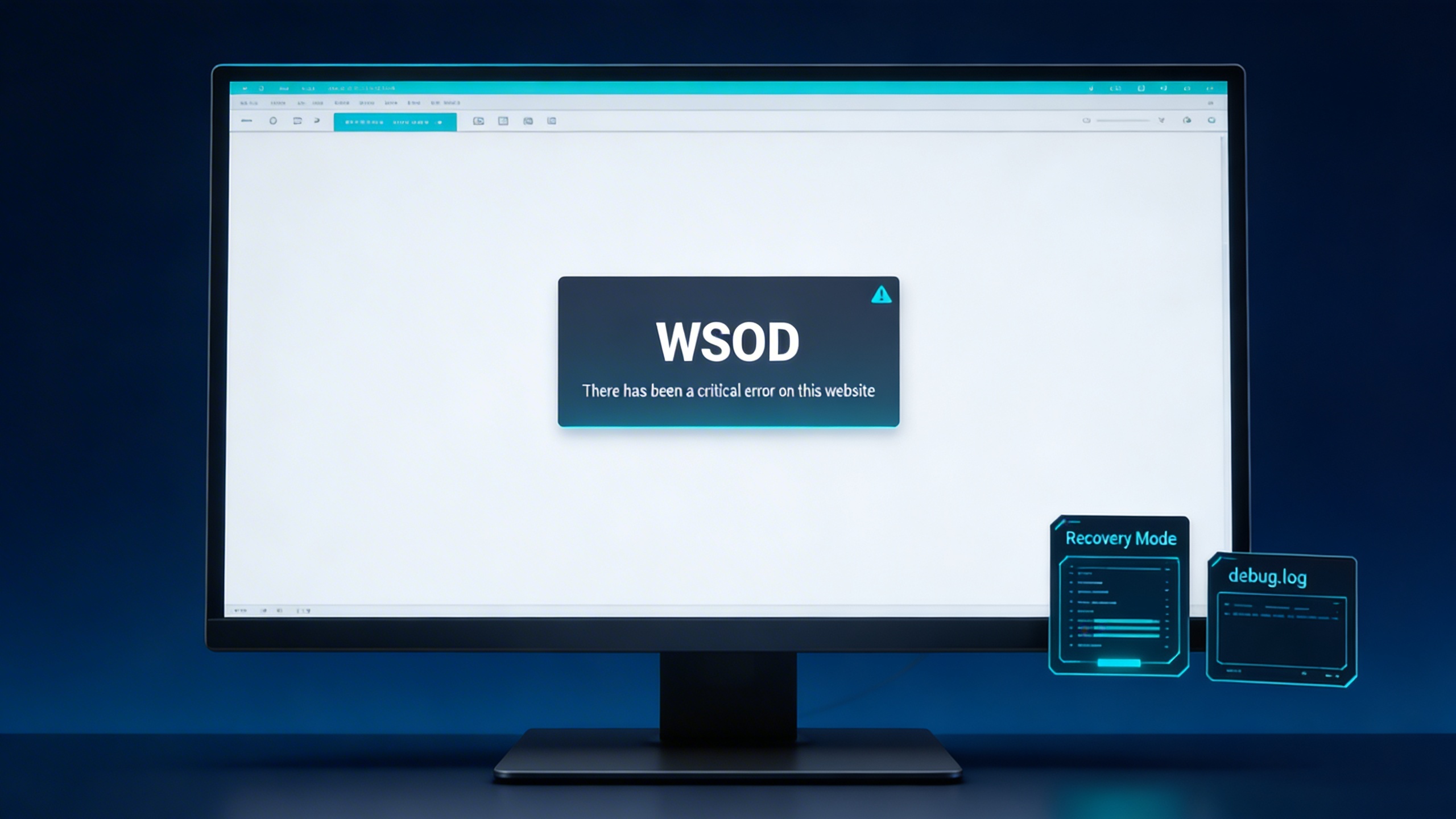
WSOD & Conflicts
After-Action Checklist
✓
Clear all caches (page, object, CDN).
✓
Re-test in incognito/private browser window.
✓
Review Site Health and apply Sucuri WordPress Security best practices.
Key Takeaways
- →Each error type has a known cause and a safe fix path.
- →Recovery Mode and debug logging are essential for non-invasive troubleshooting.
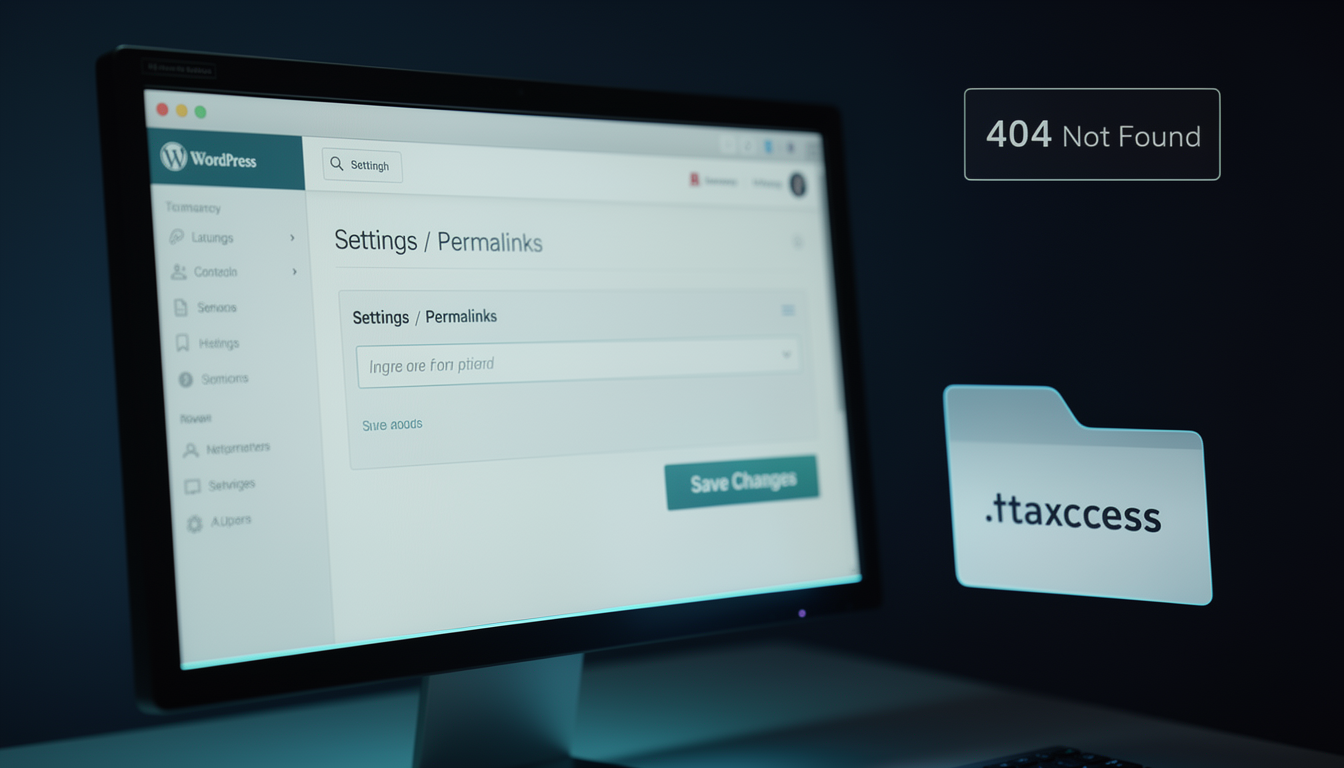
- →File permissions, .htaccess, and database credentials are common failure points.
- →Post-repair validation ensures stability and prevents recurrence.