
Lesson 3.1: Building Routine Health
Hardening the Core Environment: Standardize your approach to updates, database management, and user access to eliminate common failure points before they trigger downtime.

Overview: Most WordPress failures are preventable. This lesson introduces a set of routine practices that reduce the likelihood of common errors—500s, WSOD, database failures, and lockouts—by maintaining site health proactively. The goal is to minimize emergencies and ensure recovery is fast and reliable when issues do occur.

Why Preventative Troubleshooting Matters
Troubleshooting is easier when the site is stable, backed up, and documented. Preventative routines reduce the risk of outages and make recovery faster and safer. They also improve performance and security, reinforcing trust and uptime.
1. Update Discipline
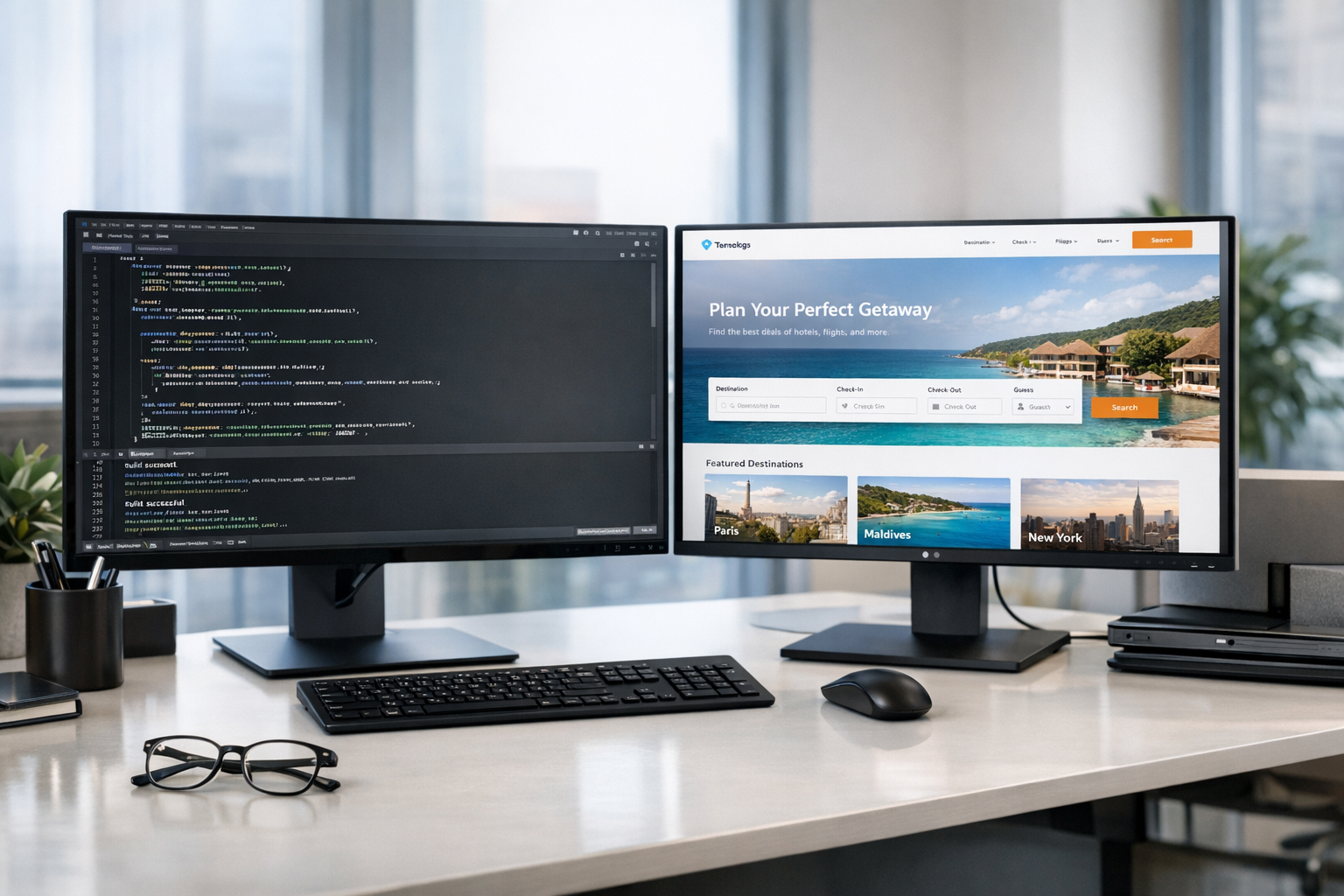
- Always test updates in a staging environment before deploying to production
- Enable auto-updates for minor and security patches
- Review changelogs before applying major releases
- Use version control or snapshot tools to roll back if needed
2. Backup Strategy

- Daily database backups
- Weekly full site backups (files + database)
- Store backups offsite (cloud storage or dedicated backup service)
- Test restoration procedures quarterly to ensure integrity
3. Database Optimization
- Remove post revisions, spam comments, and expired transients
- Optimize tables monthly using WP-CLI:
wp db optimize
- Monitor database size and query performance using Site Health and hosting tools
4. Access Hardening

- Enforce strong passwords and two-factor authentication for all admin accounts
- Apply least-privilege roles—only give users the access they need
- Monitor file integrity using the Sucuri plugin or equivalent
- Restrict access to
wp-config.phpand sensitive directories via.htaccessor server rules
Routine Maintenance Schedule
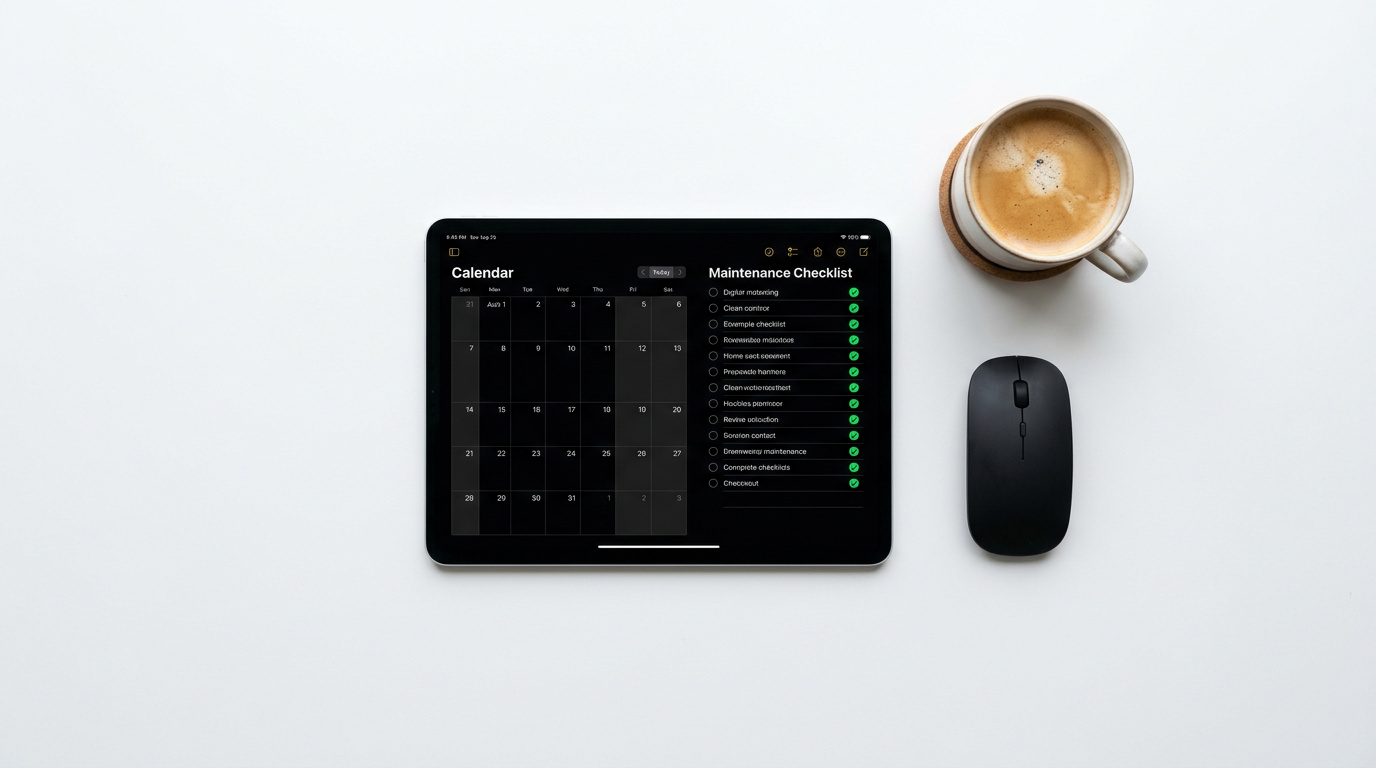
| Task | Frequency | Tool or Method |
|---|---|---|
| Core/plugin/theme updates | Weekly | Staging + WP dashboard |
| Database optimization | Monthly | WP-CLI or plugin |
| Backup verification | Quarterly | Restore test from offsite copy |
| File integrity scan | Weekly | Sucuri plugin |
| Access audit | Quarterly | User role review + 2FA enforcement |
Quick Recap
- Test updates in staging to prevent 500 errors and plugin conflicts
- Back up regularly and verify restoration to recover from WSOD or database failures
- Optimize the database to prevent connection errors and slow queries
- Harden access controls to avoid 403 errors and unauthorized changes
Key Takeaways
✓
Preventative troubleshooting reduces the frequency and severity of incidents
✓
Routine updates, backups, and audits build resilience and operational confidence
✓
WP-CLI and Site Health are essential tools for maintaining WordPress integrity
✓
Access hardening protects against lockouts and privilege escalation