
Lesson 3.1 – Hosting Decision Framework
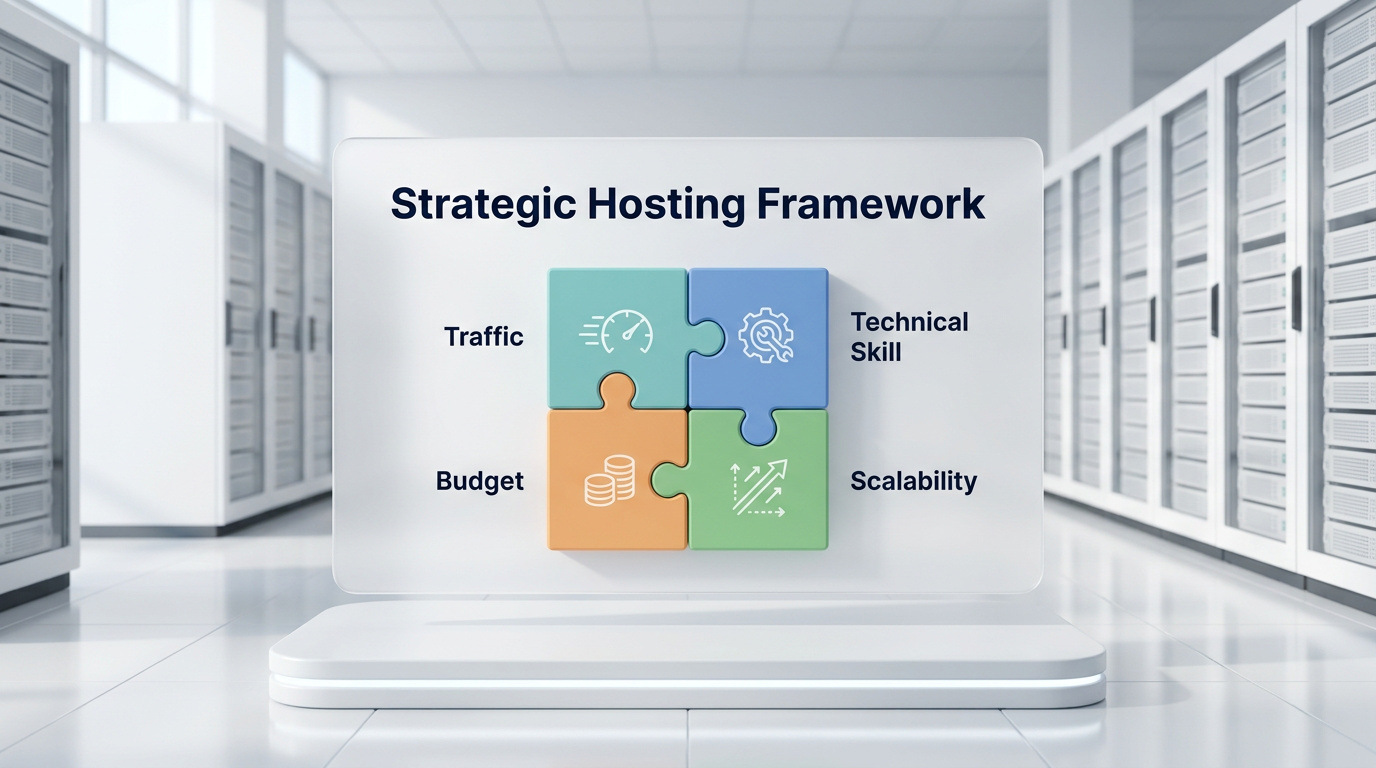
A bright white presentation board in a data center displaying a strategic hosting framework, featuring four 3D puzzle pieces locking together to represent traffic, technical skill, budget, and scalability.
A structured framework eliminates guesswork, allowing you to align your server infrastructure precisely with your real-world business needs.

Overview

Choosing the right hosting isn’t just about specs—it’s about strategic fit. This lesson introduces a structured framework to help learners evaluate hosting options based on traffic, technical skill, budget, and scalability. The goal is to eliminate guesswork and align infrastructure with real-world needs.


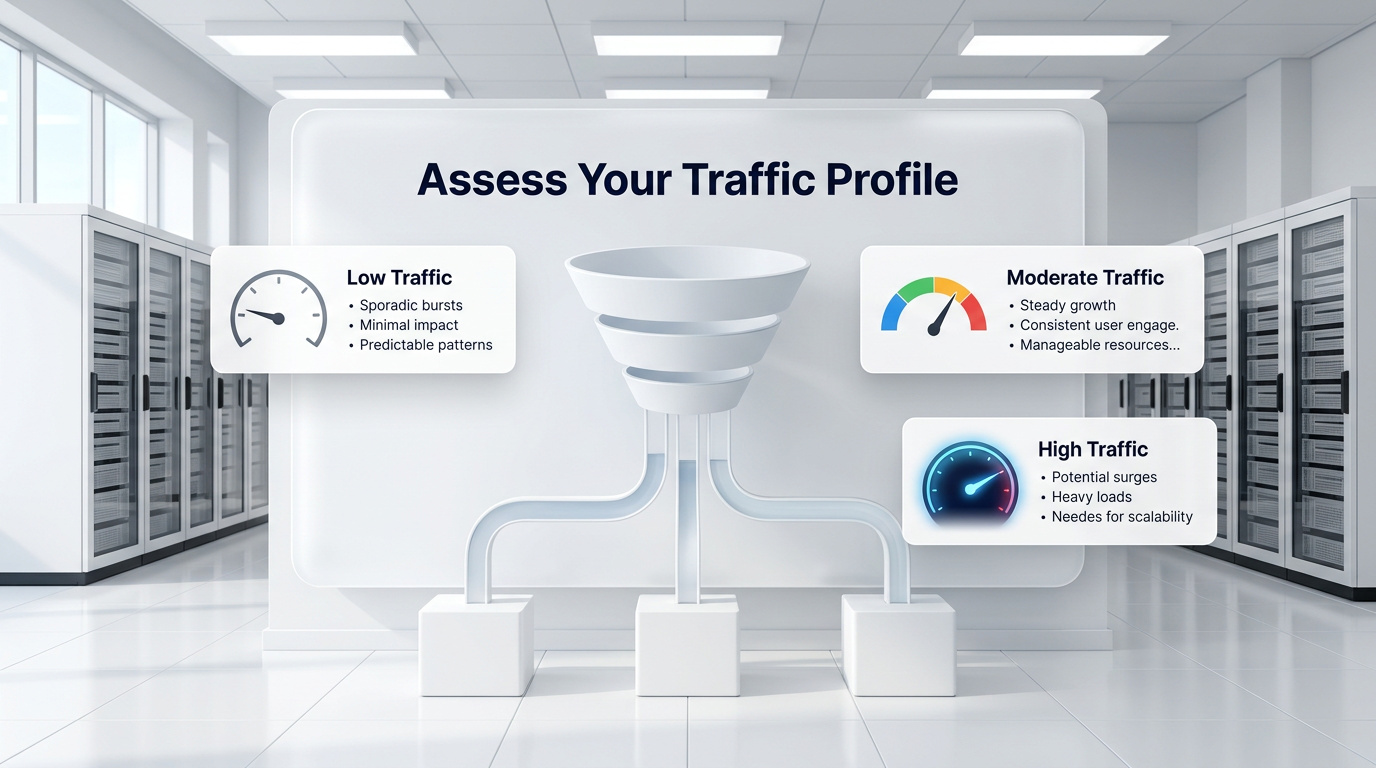
A bright white presentation board illustrating web traffic assessment, featuring a central 3D data funnel surrounded by UI cards for low, moderate, and high server traffic.
Analyze your anticipated visitor volume—from a low-traffic personal blog to a high-volume global content hub—to select an architecture with sufficient headroom.

Step 1: Assess Your Traffic Profile

Low Traffic

  • Personal blogs, portfolios, informational sites
  • Suitable for shared or basic VPS hosting

Moderate Traffic

  • Small business sites, local eCommerce, agency microsites
  • VPS or managed hosting offers better reliability and performance

High Traffic

  • Large eCommerce, enterprise platforms, global content hubs
  • Requires dedicated or cloud hosting with load balancing and autoscaling

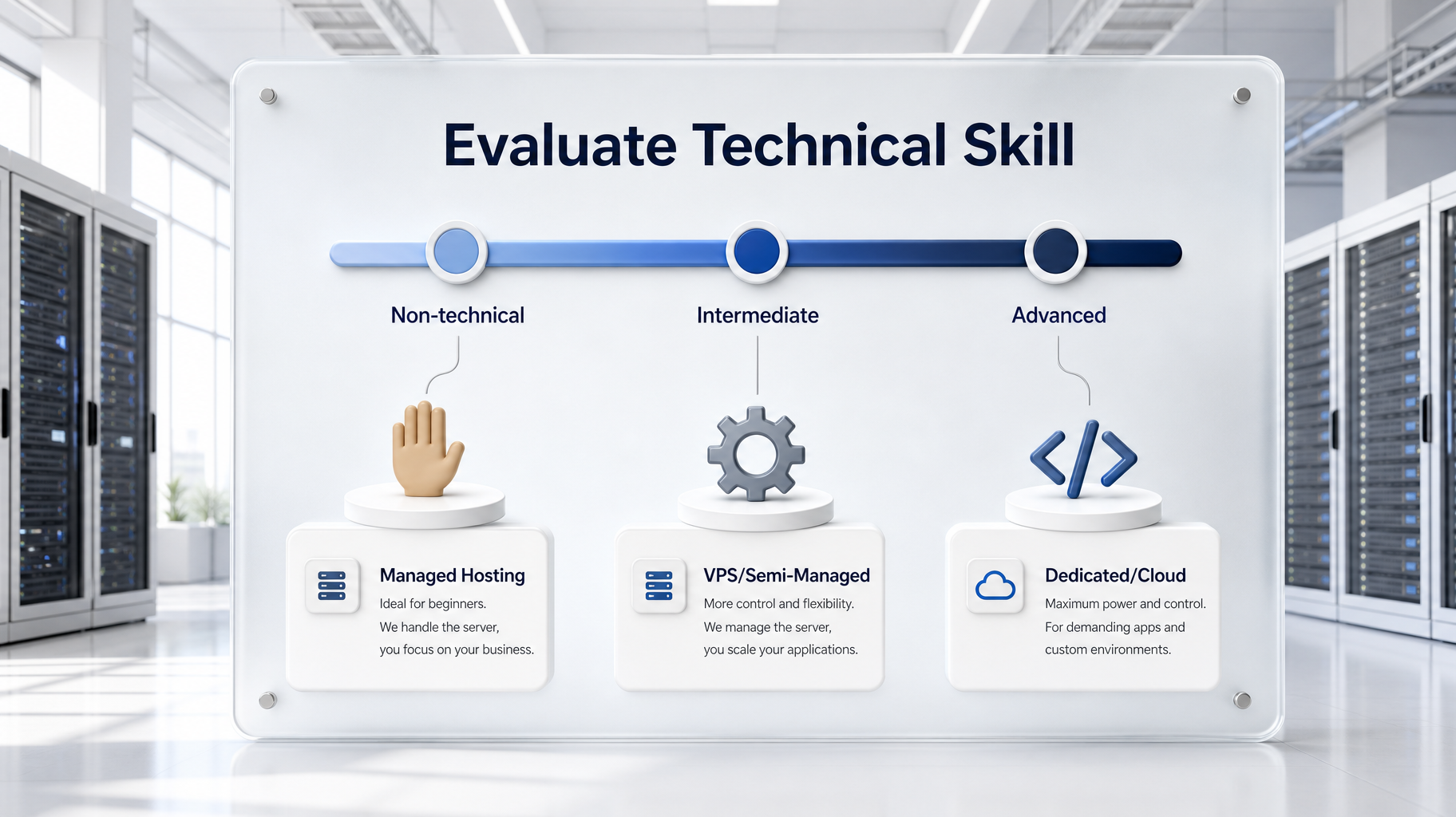
A pristine white presentation board in a data center displaying a skill gauge from Non-Technical to Advanced, connected to icons for managed hosting, VPS, and full dedicated control.
Your choice of infrastructure must strictly align with your available expertise for setup, long-term maintenance, security, and troubleshooting.

Step 2: Evaluate Technical Skill

Skill Level Recommended Hosting Type
Non-technical Managed hosting (hands-off experience)
Intermediate VPS hosting (flexible, semi-managed)
Advanced/DevOps Dedicated or cloud (full control)

Note: Technical skill affects not just setup, but long-term maintenance, security, and troubleshooting.


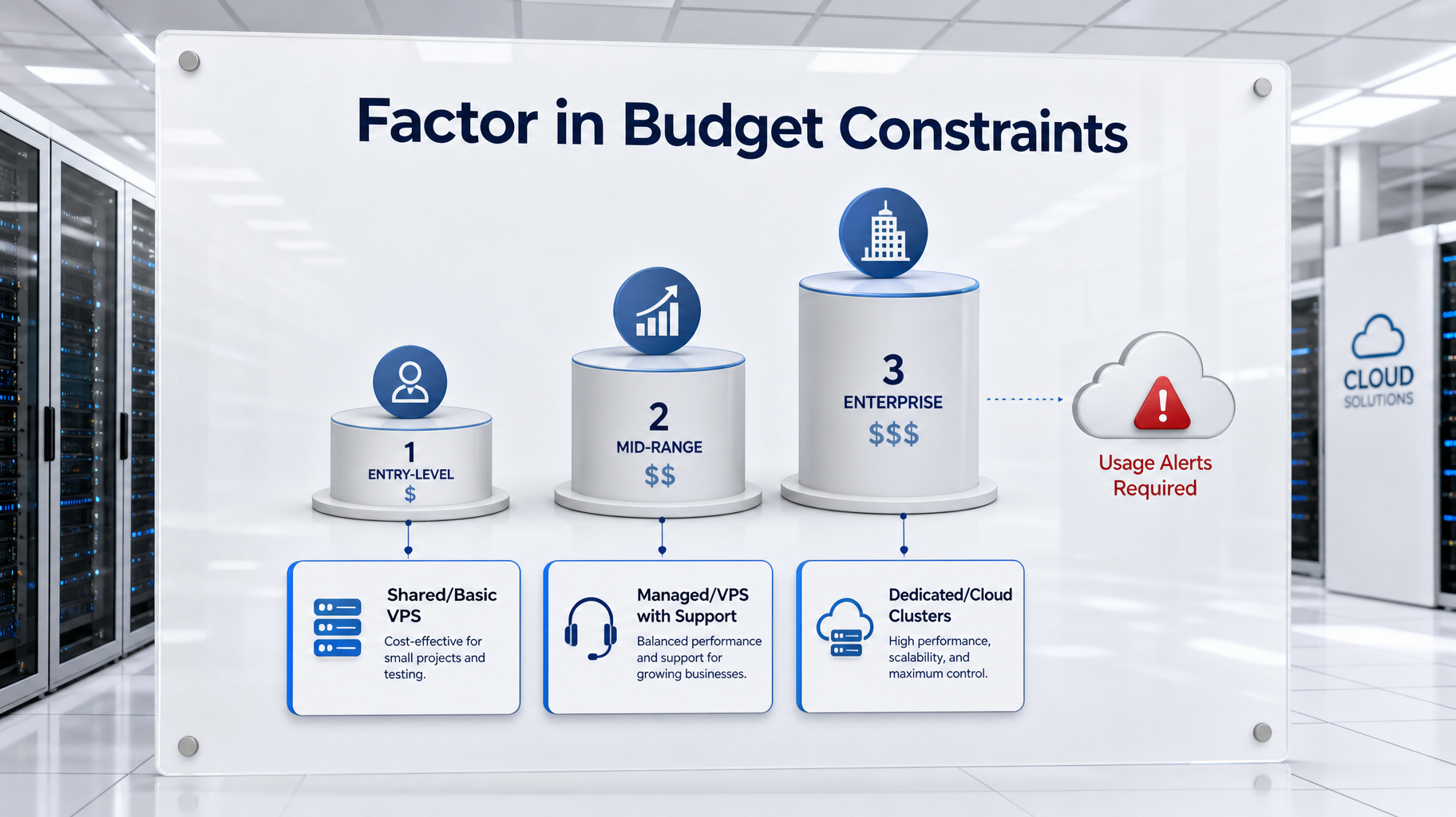
A white presentation board in a data center illustrating budget constraints, showing three increasing 3D pedestals connected to entry-level, mid-range, and enterprise budget cards.
Define your financial tiers clearly, and implement usage alerts immediately for variable cloud pricing to prevent unexpected spikes during traffic surges.

Step 3: Factor in Budget Constraints

  • Entry-Level: Shared hosting or basic VPS
  • Mid-Range: Managed WordPress, VPS with support
  • Enterprise: Dedicated servers, cloud clusters, container orchestration

2025 Insight: Cloud pricing is flexible but can spike during traffic surges—monitor usage and set alerts.


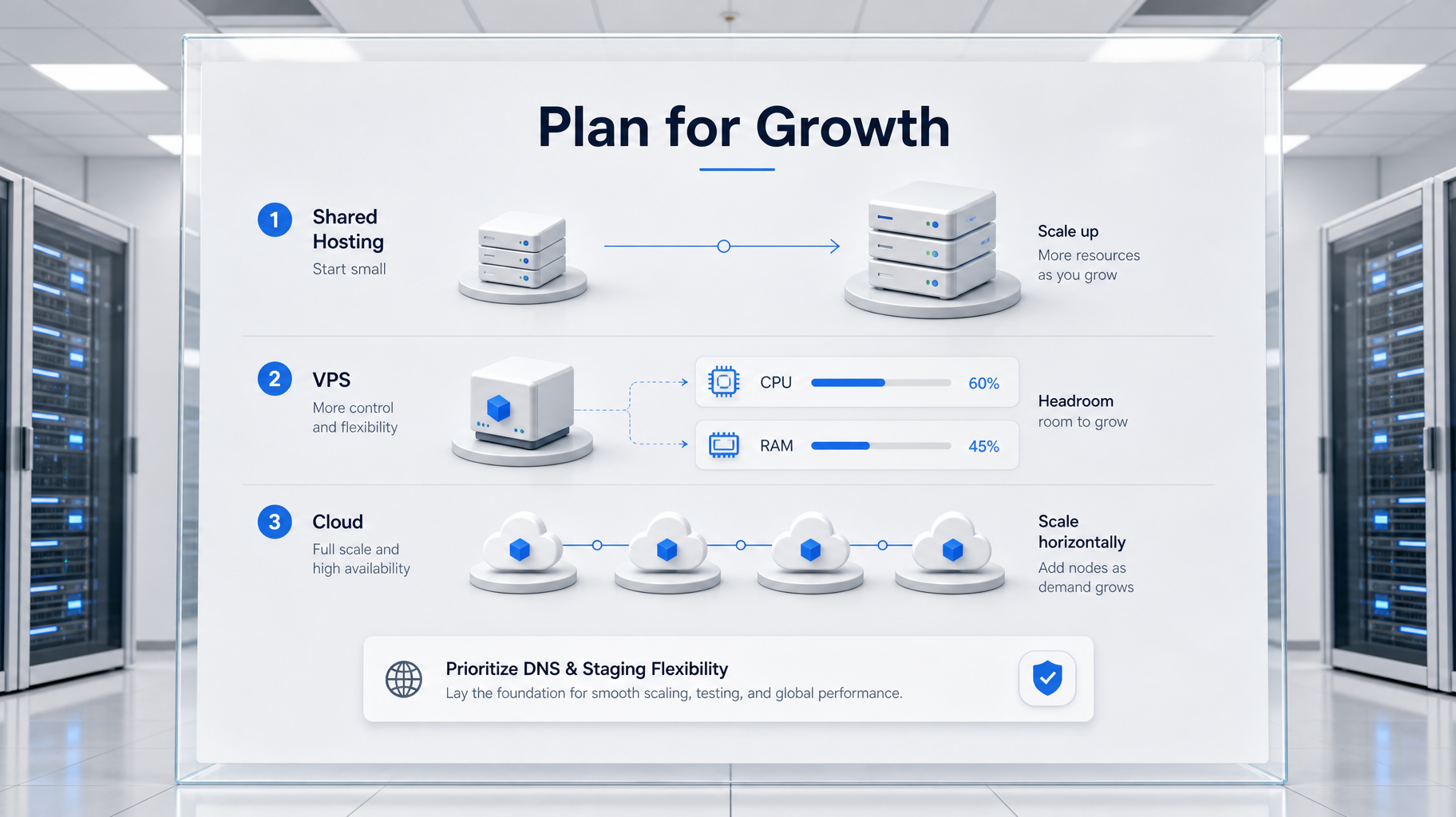
A white frosted glass board illustrating server scalability, showing a 3D network diagram contrasting vertical scaling, horizontal cloud scaling, and DNS flexibility.
Always prioritize infrastructure that supports staging environments, containerization, and DNS flexibility to facilitate seamless vertical or horizontal transitions in the future.

Step 4: Plan for Growth

  • Shared Hosting: Limited headroom—migration likely as traffic grows
  • VPS Hosting: Scales vertically (RAM/CPU upgrades)
  • Cloud Hosting: Scales horizontally (load balancing, autoscaling)
  • Dedicated Hosting: Requires manual upgrades or migration to scale

Best Practice: Choose hosting that supports staging environments, containerization, and DNS flexibility for future transitions.


Decision Tree Summary

Factor Shared VPS Dedicated Cloud Managed
Traffic Low Medium High Variable Variable
Skill Level Low Medium High High Low
Budget Low Medium High Flexible Medium–High
Scalability Low Medium Manual High Varies
Maintenance Load Low Medium High High Low

Key Takeaways

  • Hosting decisions should be based on traffic, skill, budget, and growth—not just price
  • VPS offers balance; cloud offers flexibility; managed hosting offers peace of mind
  • A structured framework prevents costly migrations and performance bottlenecks
  • Choose infrastructure that supports your current needs and future trajectory
Exercise Files
Lesson 3.1 Checklist (docx)
6.83 KB