
Course Content
Module 1: Understanding WordPress Troubleshooting – The Diagnostic Mindset
Introduce systematic troubleshooting methods specific to WordPress, focusing on how to think like a troubleshooter and recognize issue categories.
0/4
Module 2: Practical Diagnosis & Quick Fixes – Resolving WordPress Issues
Provide actionable step-by-step instructions to quickly identify and resolve frequent WordPress problems.
0/4
Module 3: Preventative Measures & Maintenance – Sustaining WordPress Health
Teach proactive measures for maintaining site stability, reducing errors, and preventing recurring issues.
0/4
101: The Basics of Website Troubleshooting

The Speed Diagnosis Playbook

A practical approach to testing, identifying bottlenecks, and improving WordPress performance without guesswork.
Lesson title card for diagnosing WordPress performance issues.
Measure first, fix the bottleneck, then retest.

Overview

Site speed is not just a user experience metric—it directly affects SEO, conversion rates, and security posture. This lesson teaches how to diagnose performance issues in WordPress using modern tools and apply targeted fixes that improve load times, responsiveness, and stability.


Why Performance Matters

Card explaining why WordPress performance matters.
Slow sites increase risk and reduce trust.

A slow site frustrates users, increases bounce rates, and lowers trust. It also creates operational risk: performance bottlenecks can expose vulnerabilities, especially when outdated plugins or bloated queries delay server responses. Diagnosing and resolving speed issues is a core competency for any WordPress administrator.


Step 1: Measure Before You Fix
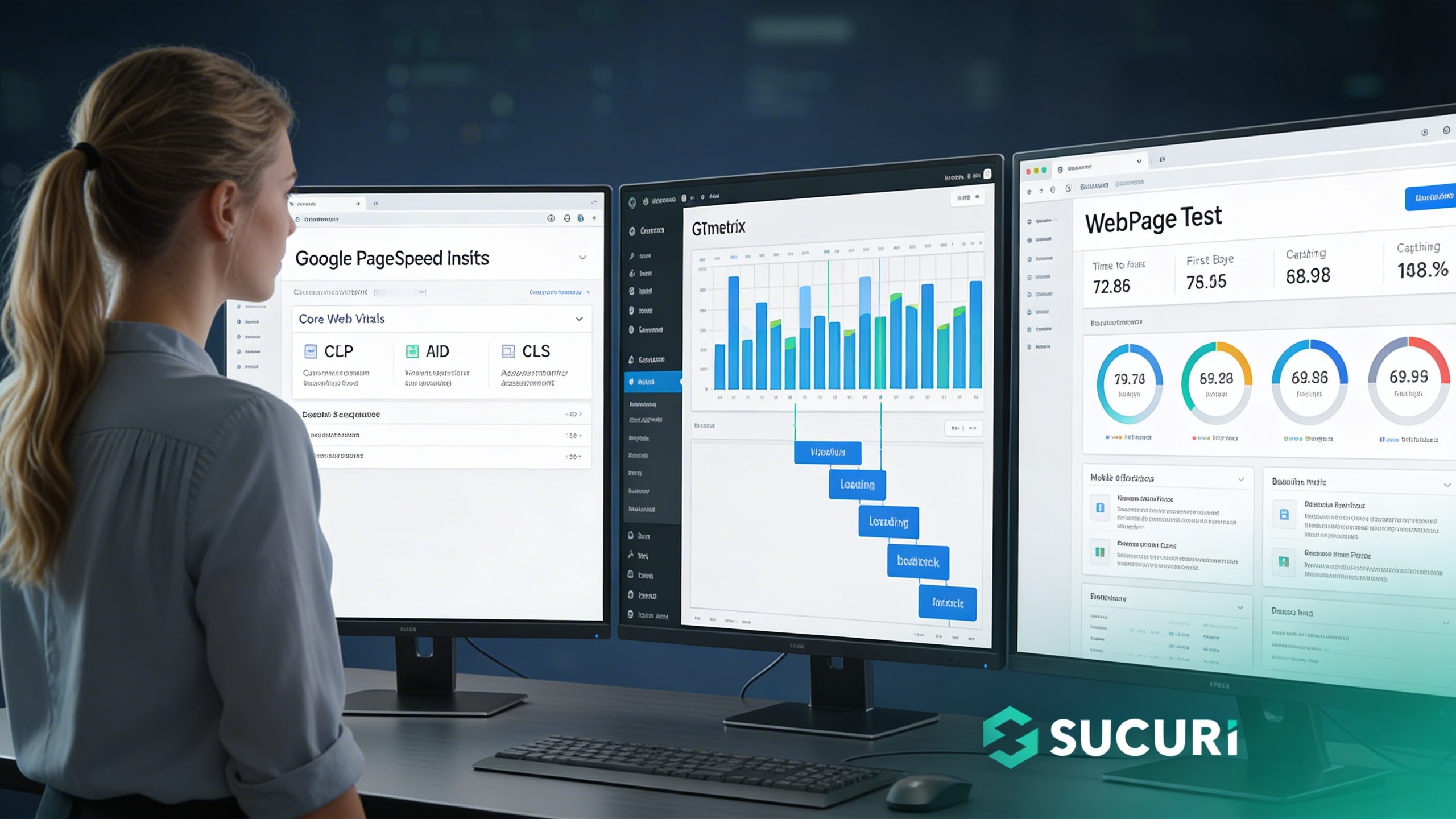
Step 1 card for WordPress performance diagnosis.
Measure first: run PageSpeed, GTmetrix, and WebPageTest—then repeat for consistency.

Use reliable tools to test performance across key metrics:

  • Google PageSpeed Insights: Tests Core Web Vitals (LCP, FID, CLS).
  • GTmetrix: Provides waterfall charts and sequence breakdowns.
  • WebPageTest: Advanced analysis of TTFB, caching, and CDN effectiveness.

Run tests multiple times to identify consistent bottlenecks. Focus on mobile results for real-world accuracy.


Step 2: Identify Common Bottlenecks

Why performance matters card.
Speed is user experience and operational resilience.
  1. Unoptimized Images: Large files slow down pages. Use WebP/AVIF and lazy loading.
  2. Heavy Plugins or Themes: Poorly coded assets increase queries and delay rendering.
  3. Database Bloat: Transients, spam, and revisions slow down server responses.
  4. Lack of Caching: Every page load re-runs all queries without object or page caching.
  5. No CDN Integration: Visitors experience high latency far from the primary server.

Step 3: Apply Targeted Fixes

Step 2 bottleneck card.
Diagnose the bottleneck category before fixing.
Images & Caching

Compress via ShortPixel/TinyPNG and transition to WebP. Enable server-level caching (OPcache/Redis) or plugins like WP Rocket.

# Database Optimization via WP-CLI
wp db optimize
Infrastructure & Audit

Connect to a CDN (Sucuri/Cloudflare) and audit plugins. Replace heavy themes and test all updates in staging before deployment.


Step 4: Monitor for Sustained Performance

Ultra-realistic cinematic workstation.
Fix one category, then retest to prove impact.

Sustained Performance Sequence

1
Use uptime monitors (Sucuri, Pingdom, UptimeRobot).
2
Re-run PageSpeed Insights after major changes.
3
Track performance trends to catch regressions early.

Key Takeaways

  • Start with measurement—never guess.
  • Fix bottlenecks in images, caching, database, and asset load.
  • CDN integration is essential for global performance.
  • Monitor continuously to maintain speed and stability.
Exercise Files
Downloadable Resource – WordPress Performance Troubleshooting Lesson 2.1 Checklist (PDF).pdf
Size: 17.85 MB