

Resolving the Mismatch: Diagnosing Hostname and IP Conflicts
Master the diagnostic workflow to align DNS records, SSL certificates, and server configurations.

Understanding Hostname/IP Conflicts
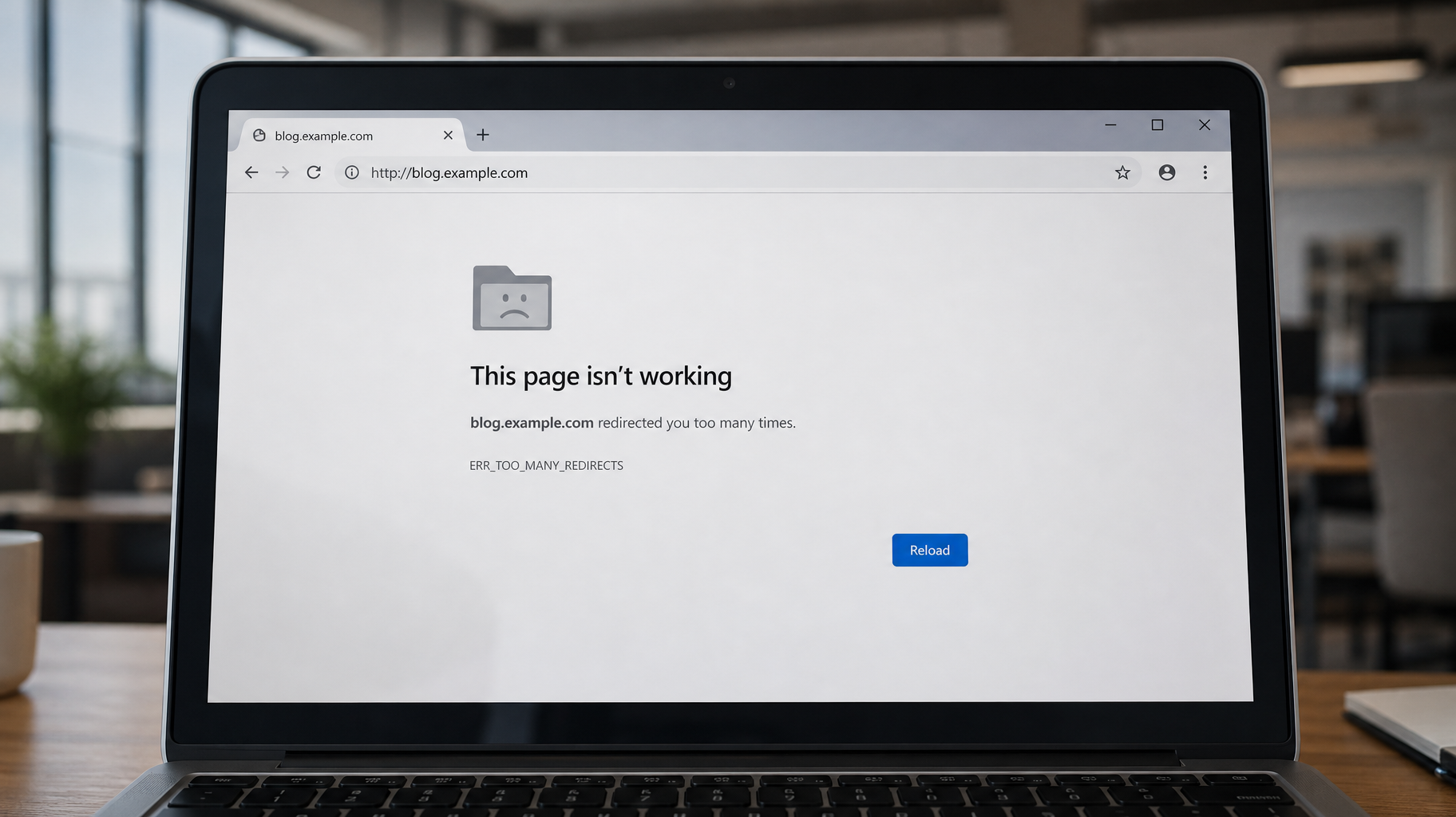
Hostname and IP conflicts occur when the DNS records, SSL certificates, or server configurations do not align. These issues are often introduced during migrations, DNS updates, or changes in hosting environments.
Typical symptoms include:
- SSL certificate mismatch errors
- Redirect loops or failed hostname resolution
- IP-based access triggering browser warnings
- Inconsistent behavior across subdomains or CDN endpoints
These conflicts are especially common when hostnames are manually overridden, DNS records are duplicated, or IP addresses are reused across multiple services.

SSL Certificate Validation and Hostname Binding
SSL certificates are issued to specific hostnames. If a user accesses a site via its IP address or an unlisted subdomain, the browser will reject the certificate. This is not a DNS issue—it’s a hostname validation failure.
To prevent this:
- ✓Ensure the certificate includes all relevant subdomains (e.g., use SAN or wildcard certificates)
- ✓Avoid accessing secure sites via direct IP unless explicitly configured
- ✓Confirm that the server’s virtual host configuration matches the hostname used in the certificate
DNS Record Conflicts and Overlaps
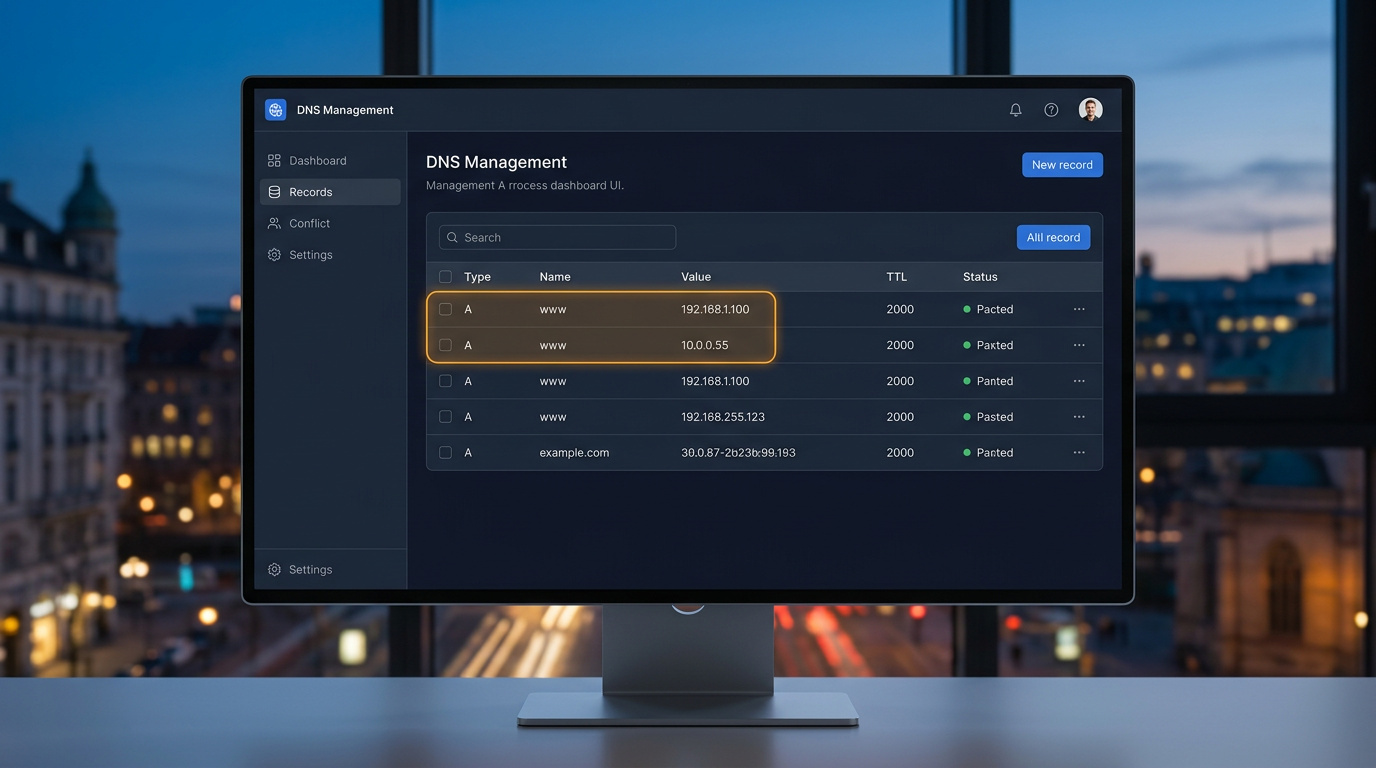
DNS misconfigurations can cause hostname/IP conflicts when:
- Multiple A records point to different IPs for the same hostname
- CNAME records are used improperly alongside A records
- DNS records are not updated after server migration
- TTL values delay propagation of corrected records
Each DNS record must be reviewed for consistency. Conflicting records can cause intermittent resolution failures, especially when cached values differ across geographic regions.
Server Configuration and Hostname Mapping
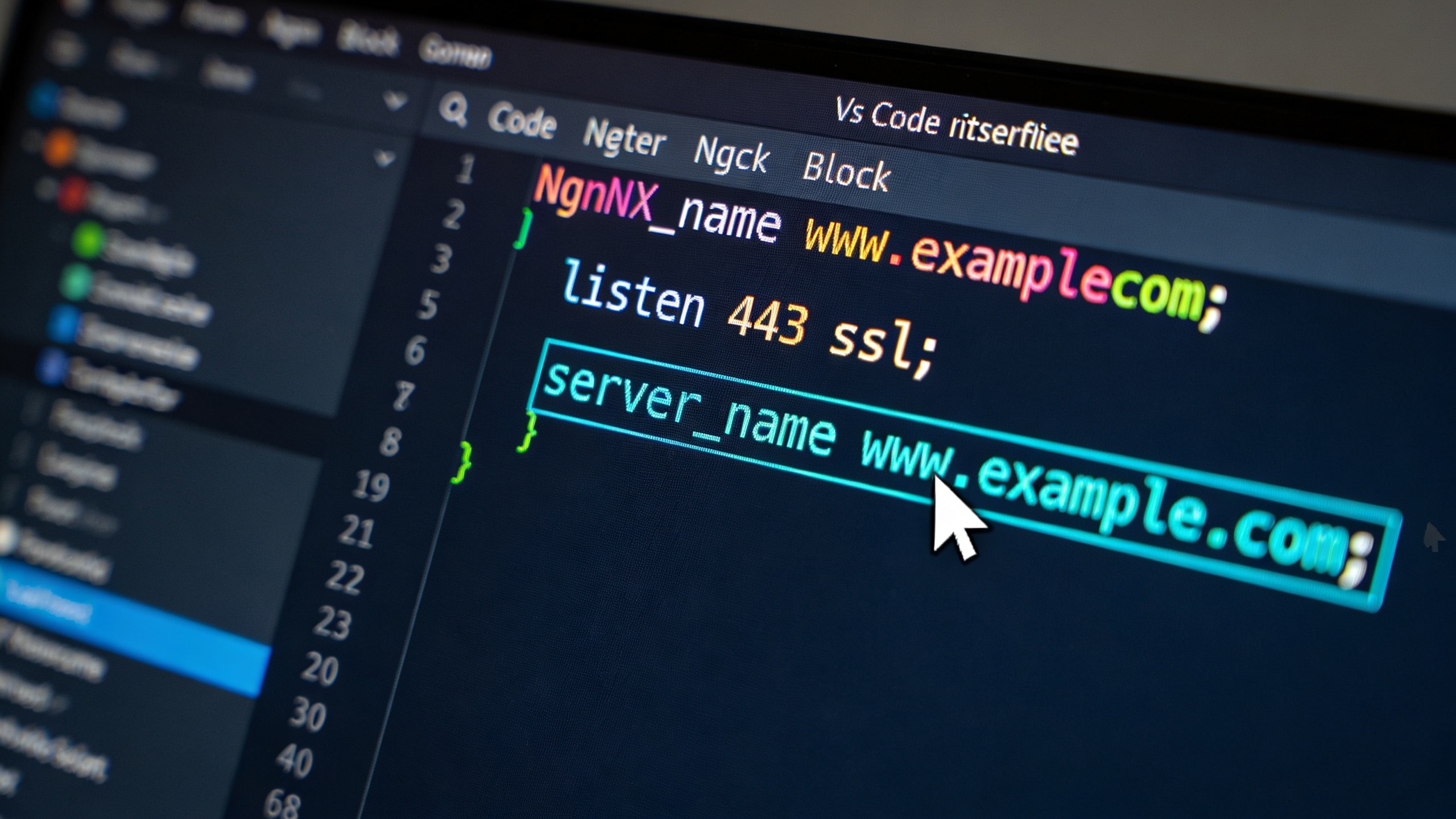
Web servers must be configured to respond correctly to the intended hostname. This includes:
- Defining virtual hosts for each domain or subdomain
- Ensuring the server listens on the correct IP and port
- Matching the server name directive to the hostname used in DNS
Failure to align server configuration with DNS and SSL settings can result in 404 errors, certificate mismatches, or unintended redirects.

Diagnostic Workflow
To diagnose hostname/IP conflicts follow these steps:
dig or nslookup to verify DNS recordsping or curl to test connectivity and response headersopenssl s_clienthttpd.conf, Nginx’s server blocks)Each step helps isolate whether the issue is DNS-related, certificate-related, or server-side.
Real-World Scenarios
- A developer migrates a site but forgets to update DNS records, causing traffic to route to the old IP
- A store owner installs an SSL certificate for
www.mystore.combut accesses the site viamystore.com, triggering a mismatch - A blogger uses a CDN that caches DNS records, resulting in delayed propagation after hostname changes
These examples illustrate how hostname/IP conflicts can affect performance, security, and user experience.
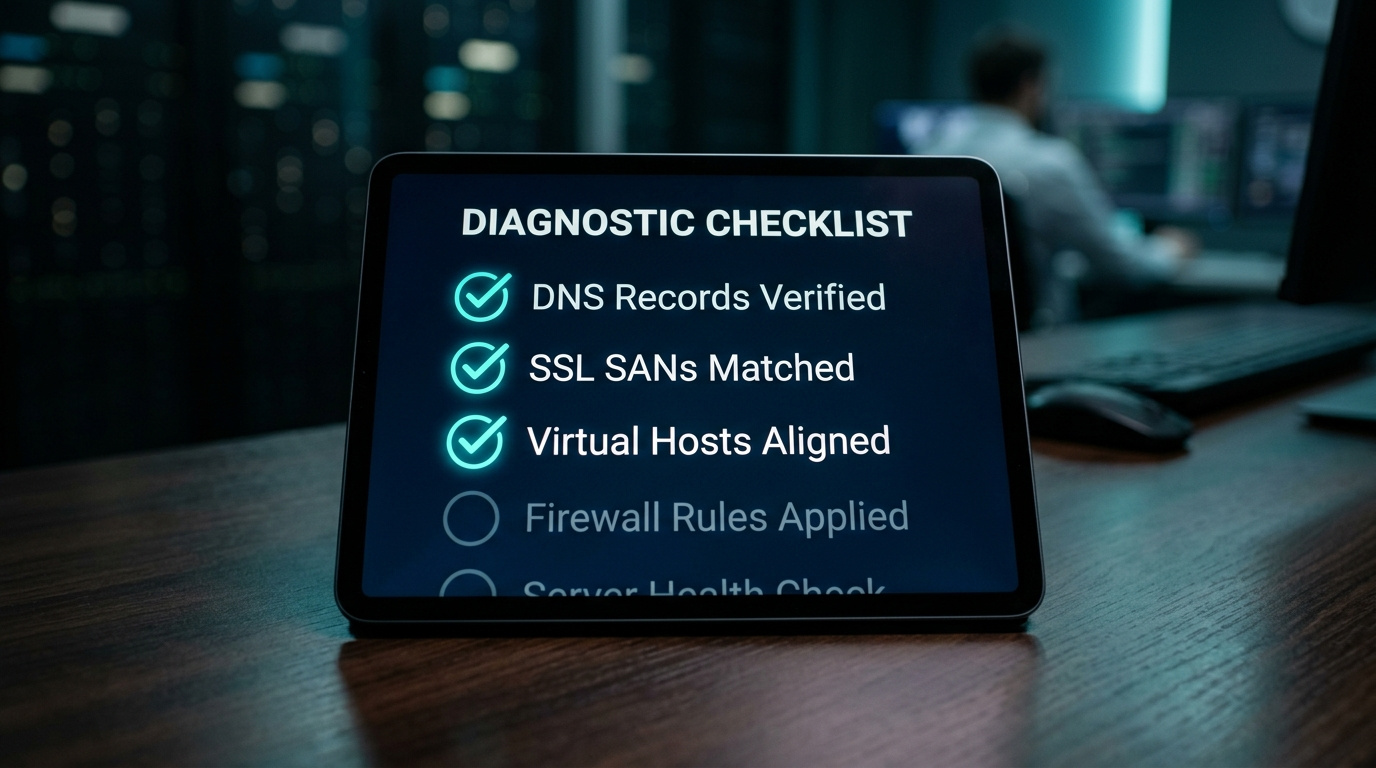
Best Practices for Hostname/IP Integrity
- ✓Always validate DNS records after changes
- ✓Use consistent hostname references across DNS, SSL, and server configuration
- ✓Avoid mixing CNAME and A records at the same level
- ✓Monitor certificate expiration and hostname coverage
- ✓Test resolution from multiple networks and devices
Key Takeaways
-
•Hostname/IP conflicts can arise from DNS, SSL, or server misalignment
-
•SSL certificates must match the hostname used by clients
-
•DNS records must be consistent and properly propagated
-
•Server configurations must reflect the intended hostname mappings
-
•Proactive validation and monitoring are essential for maintaining secure and reliable access