
Operating DNS Securely: Planning, Access, and Monitoring
How to avoid accidental misconfigurations and keep your domain functional during operational updates.

Why DNS Management Matters
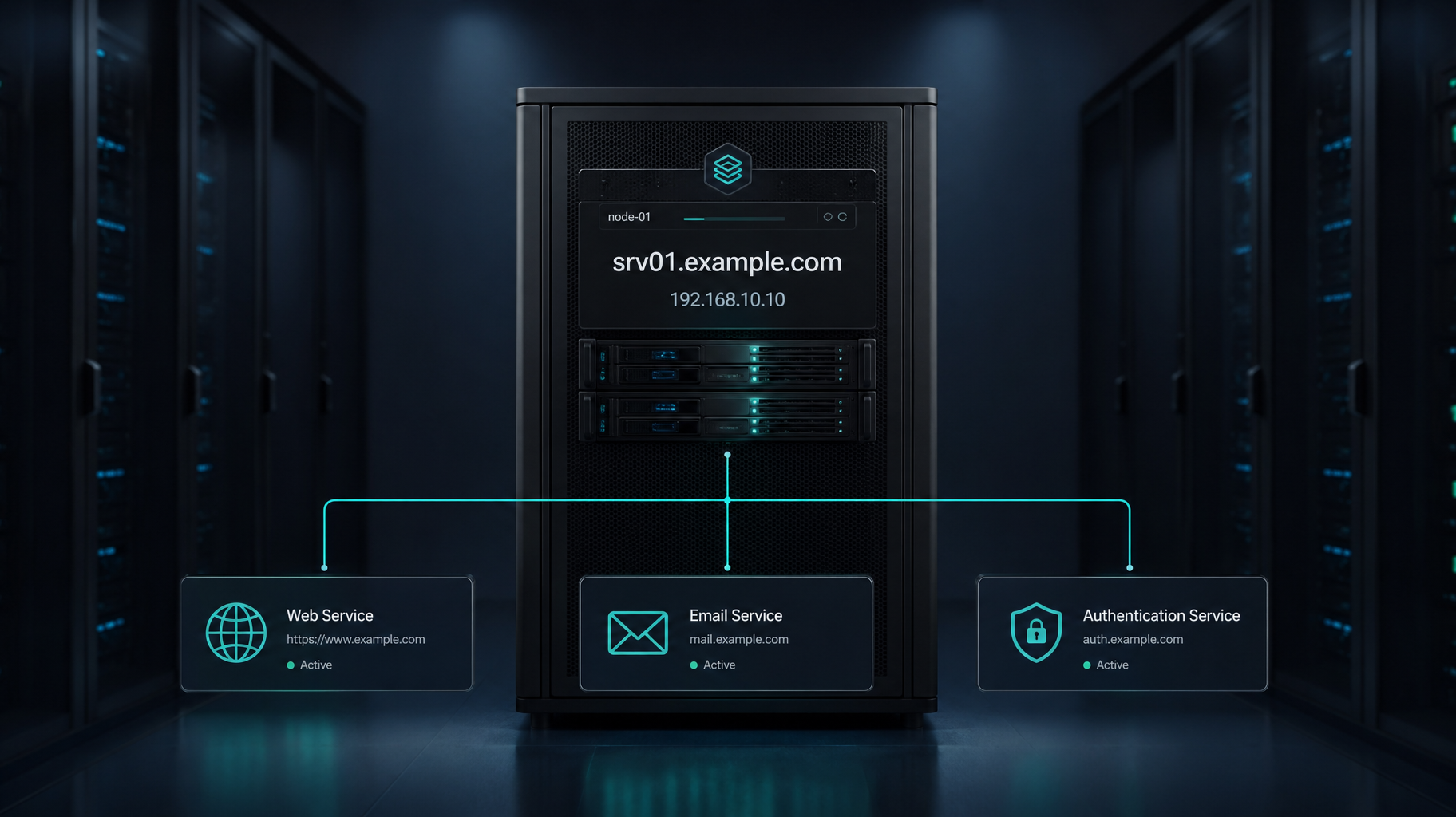
DNS connects your domain to critical services—web hosting, email, APIs, and authentication. Misconfigurations can:
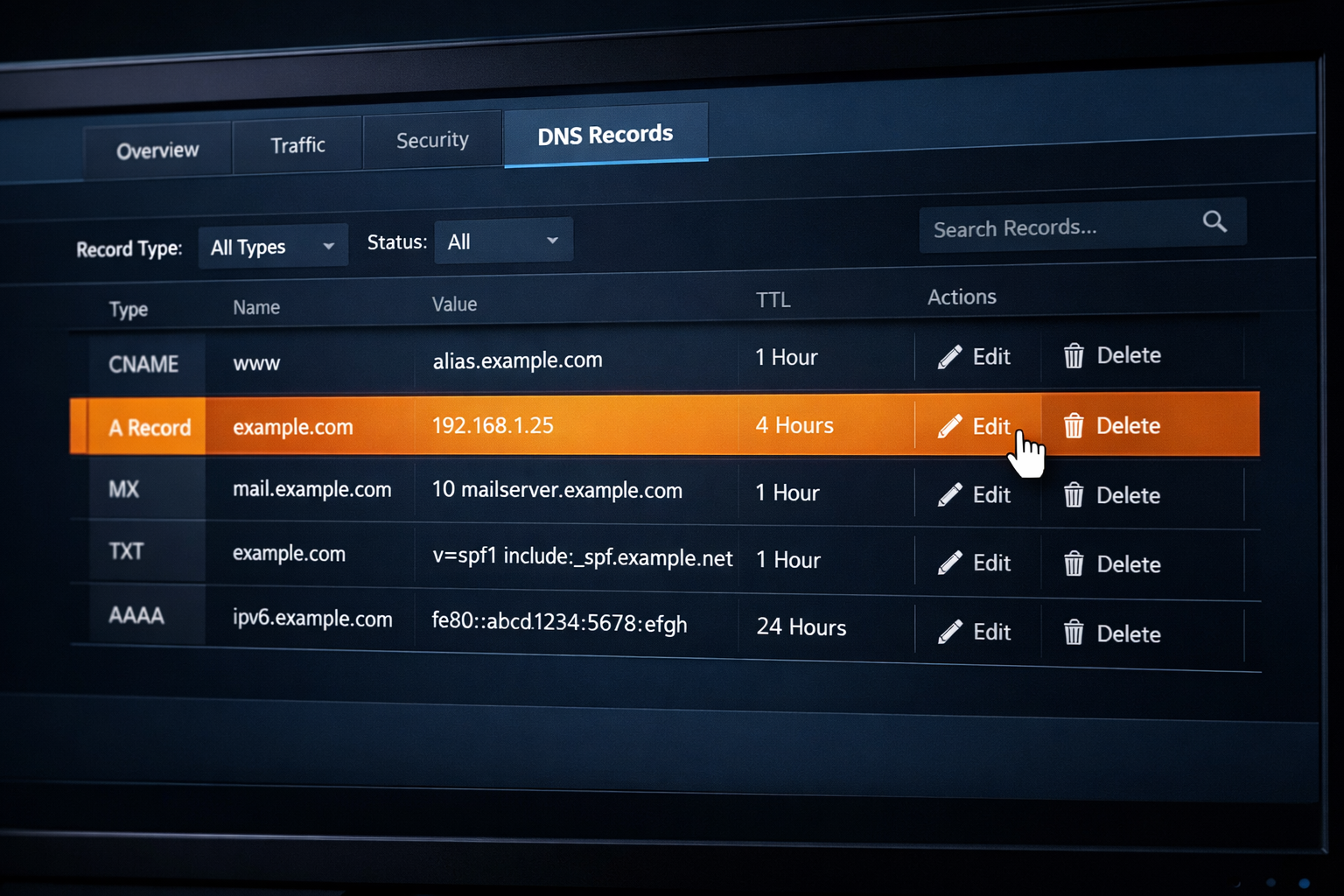
- Break website access (e.g., incorrect A record)
- Interrupt email delivery (e.g., missing MX record)
- Expose users to spoofing or phishing (e.g., absent SPF/DKIM)
- Cause propagation delays or caching conflicts
Safe DNS management ensures continuity, security, and trust.
Best Practices for DNS Management
1
Plan Before Changing: Document all current DNS records, identify dependencies (e.g., email services, CDN, SSL), and schedule changes during low-traffic periods.
2
Use Trusted Providers: Choose registrars and DNS hosts with strong security reputations. Look for DNSSEC support, uptime SLAs, and role-based access.
3
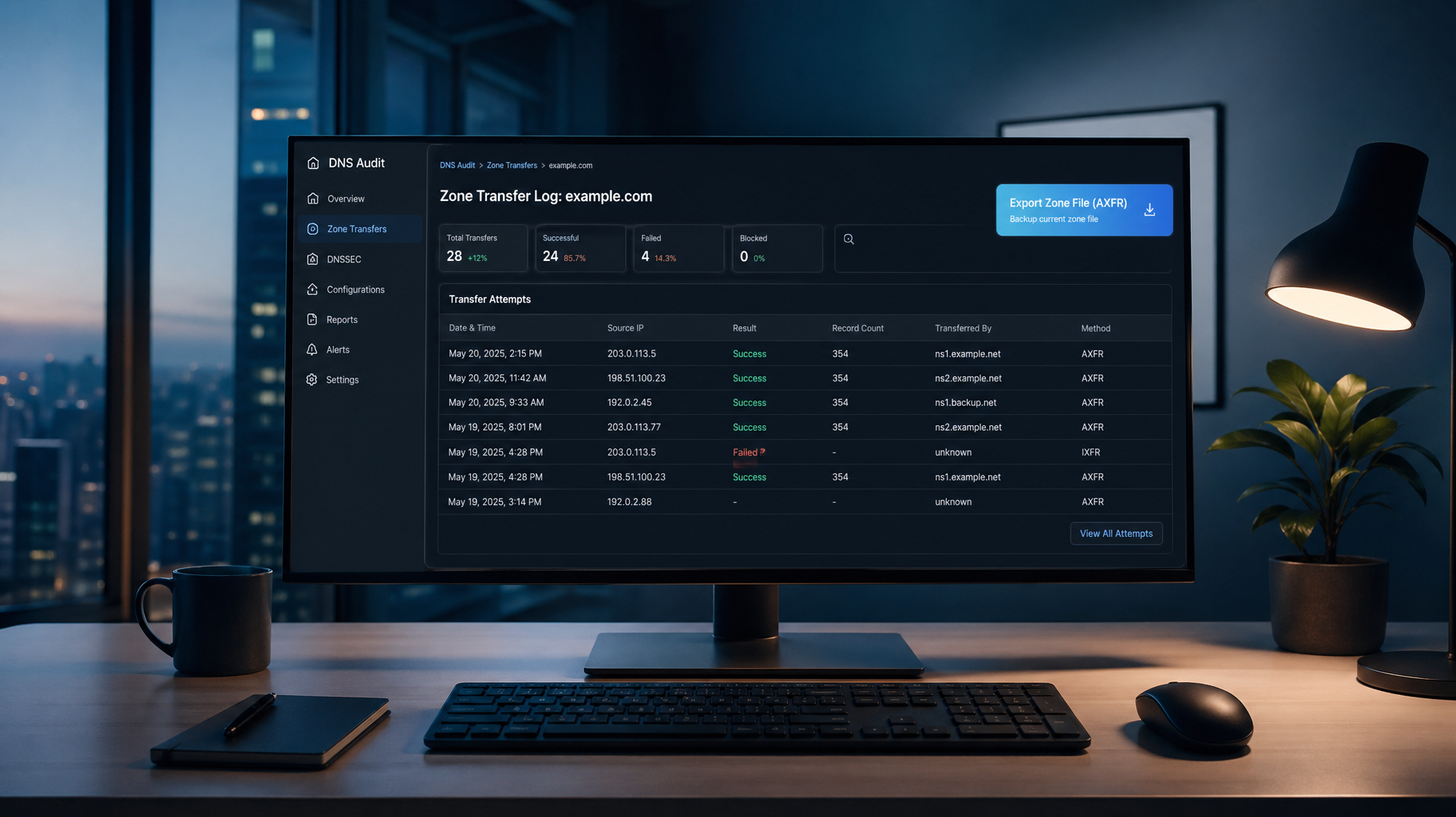
Enable Role-Based Access: Restrict DNS editing privileges to authorized personnel only and use audit logs to track changes over time.
4
Enable DNSSEC: Add cryptographic signatures to DNS responses to effectively prevent spoofing and cache poisoning attacks.
5
Monitor & Alert: Use tools like Sucuri, Pingdom, or UptimeRobot to detect DNS failures and set active alerts for unauthorized changes or downtime.
6
Backup DNS Records: Export zone files or take screenshots before making changes, and store backups securely for rapid disaster recovery.

Quick Recap
Safe DNS management means:
- ✓Planning changes
- ✓Securing access
- ✓Enabling DNSSEC
- ✓Monitoring for issues
- ✓Backing up configurations
These steps reduce risk, prevent downtime, and ensure your domain remains a reliable gateway to your services.
Key Takeaways
-
•DNS missteps can disrupt websites, email, and security
-
•Planning, documentation, and access control are essential
-
•DNSSEC protects against spoofing and manipulation
-
•Monitoring tools detect issues before users do
-
•Backups ensure fast recovery from errors or attacks